


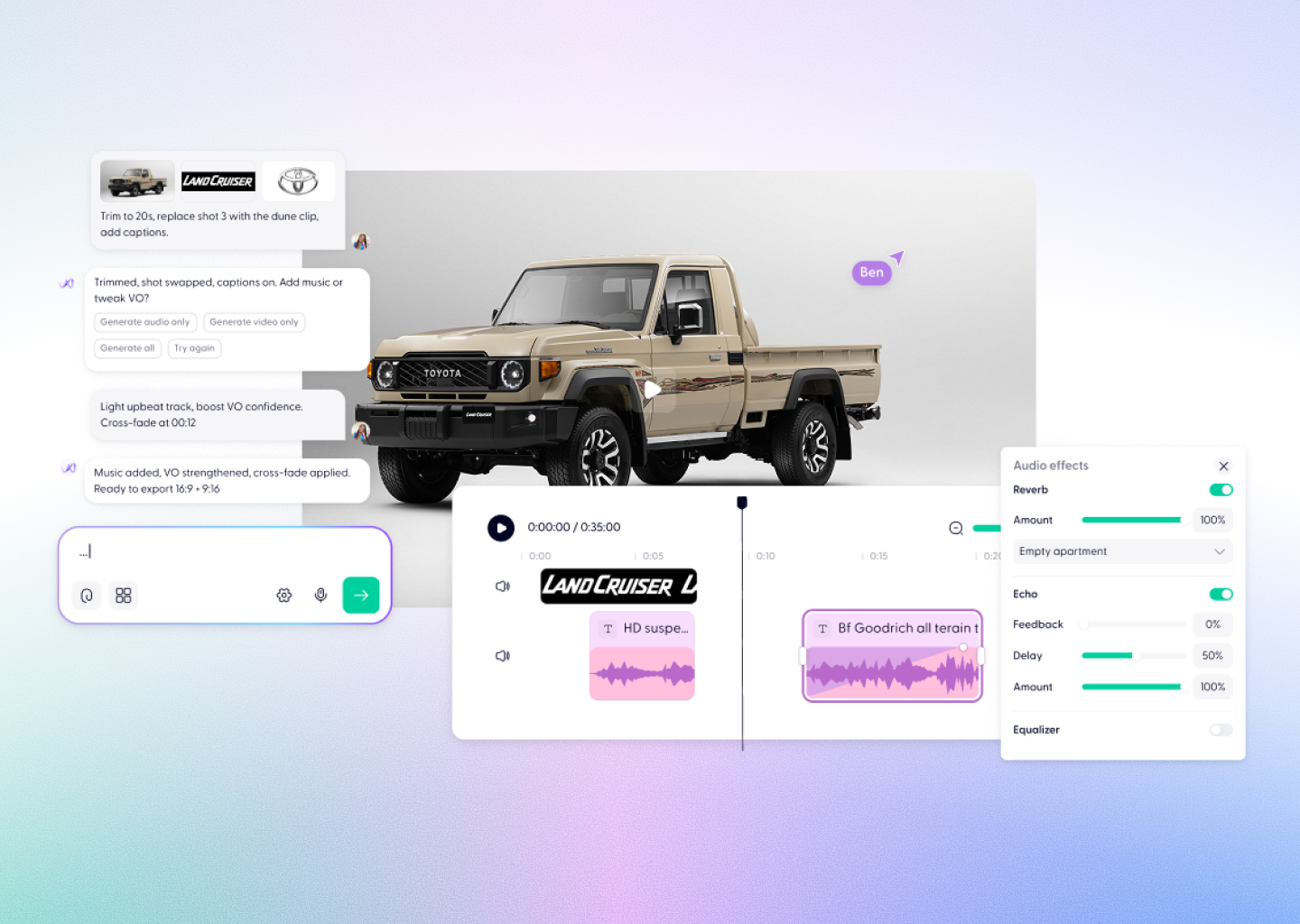


Video to Video AI models, built for real work
Transform existing video using best-in-class AI models, then edit, brand, and ship usable video through workflows, Wonda, and a real editor.









What are video to video AI models?
Video to video AI models transform existing footage by changing style, motion, or visual characteristics while preserving the original structure of the video.
They’re commonly used for enhancement, stylisation, reworking footage, or adapting existing content into new formats. In Wondercraft, video to video models are part of a larger system, so transformed clips can be edited, branded, and reused for real business needs.

How video to video works
in Wondercraft
Step 01
Upload your video
Start with existing footage — recordings, clips, or previously generated video.

Step 02
Transform with the right model
We select and run the best video to video model for the job, optimised for transformation quality, motion consistency, or visual control.
Step 03
Let Wonda work
Wonda helps iterate on the transformation, adjusting style, pacing, or structure without manual editing.
Step 04
Finish in the Studio
Edit the video on a real timeline: adjust timing, add captions, music, branding, and export ready-to-use versions.

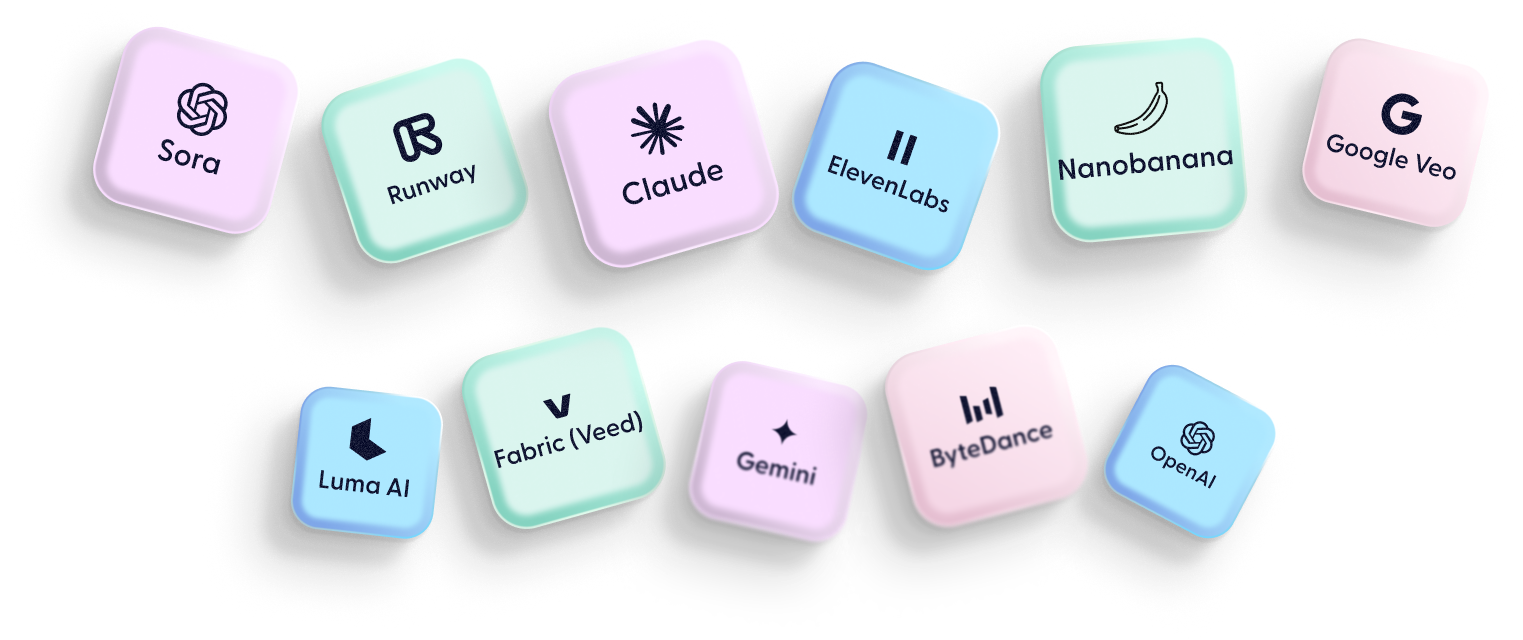
Available video to video AI models
Wondercraft supports leading video to video AI models. Models are updated regularly as the ecosystem evolves.
Kling 01
Video to video transformation with strong motion consistency.
Runway Gen-4 Aleph
Advanced video to video model for transforming and reworking existing footage.
Hear why L&D, Training and Creative leaders of Fortune 500s leverage Wondercraft


I believe Wondercraft is the future of content production for teams, creators and publishers so I couldn’t be more excited to be on board.

Steven Bartlett
Investor and Host of the
Diary of a CEO
Diary of a CEO

%201.avif)
Wondercraft has thought of almost every single way to enable quality content creation at scale in a way that doesn’t sacrifice storytelling. Quick, easy, effective and absolutely creative. My bet’s on Wondercraft.

Kay Hsu
Head of Creative Lab
at Spotify
at Spotify

.avif)
Wondercraft enables us to transform lengthy policies and documents into engaging podcasts for our internal teams and we were even able to translate the podcasts into ten languages. The platform is super easy and even fun to use and the team has been very supportive.

Renos Vakis
Development unit, Lead
economist at World Bank
economist at World Bank


Wondercraft lets us hear ideas come to life faster—removing the friction that keeps great creative from happening. It takes minutes instead of weeks, so we’re braver to test, refine, and tailor messages. The result? Smarter, more intentional creative that converts.

Stew Redwine
VP Creative Services
at Oxford Road
at Oxford Road


After an arduous three-month long research comparing AI audio creation platforms to see which one is the best, Wondercraft blew everybody else out of the water repeatedly.
Yaman Coskun
CEO at Yaman Media
Group
Group


Wondercraft enabled us to create a quantity and quality of audio ads for clients we could not have come close to otherwise.
Kym Treasure
CEO at Audacia

.avif)
Trusted by creators and the most creative minds of Fortune 100
Start creating

Transform video with AI. Finish in our studio.
Video to video AI changes how footage looks, not whether it’s usable. Every transformed clip in Wondercraft can be edited in the Studio.
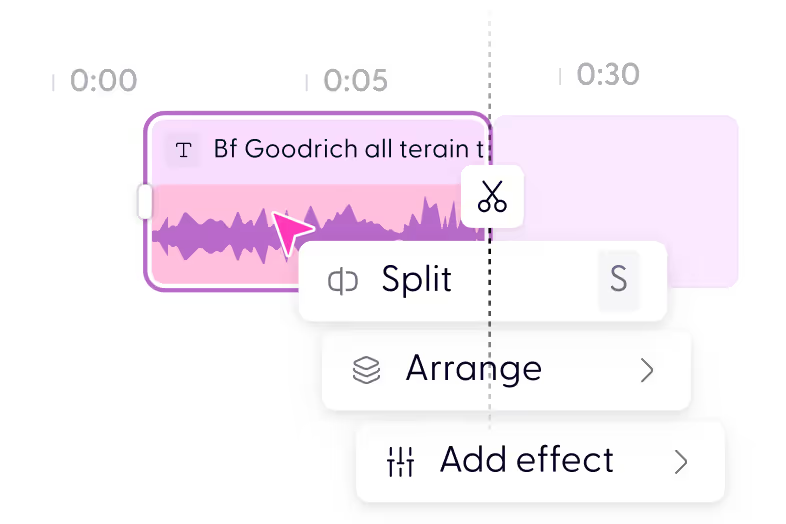
Adjust timing and pace
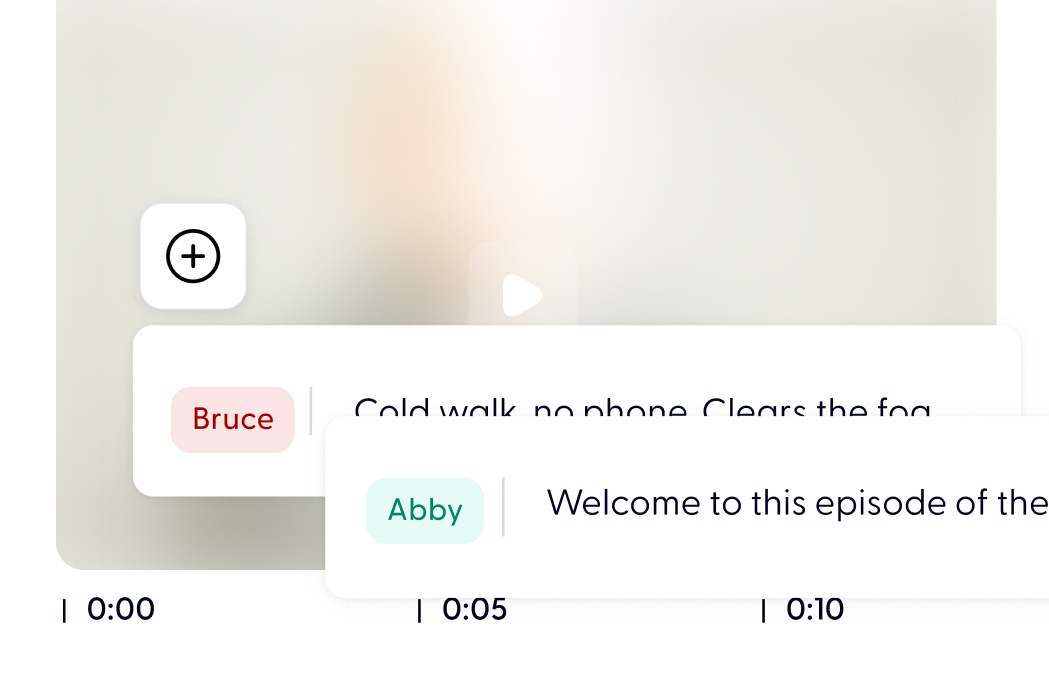
Add captions and titles
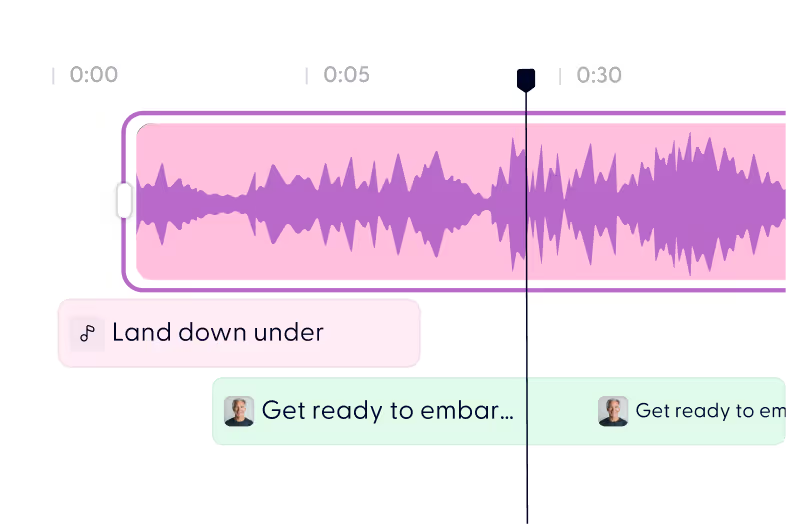
Layer music and sound effects
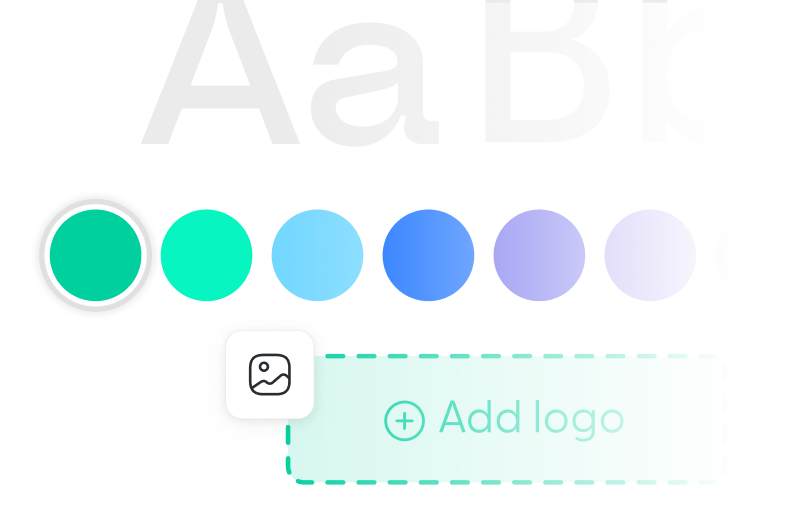
Apply branding

Export channel ready versions
This is how teams move from prompts to business-ready video.
Edit in the Studio
Frequently asked questions
Questions on how to use AI to create Video content on Wondercraft
What is a video to video AI model?

A video to video AI model transforms existing footage by changing visual style, motion, or structure without starting from scratch.
Does Wondercraft use more than one video to video model?
Yes. Wondercraft integrates multiple video to video models so it can choose the best tool for different transformation needs.
Why start with video instead of text or images?
Start with video when you already have footage and want to transform it without rebuilding everything. Video to video AI preserves structure and motion while letting you change style, quality, or presentation.
Can I edit video-to-video output?
Yes. All transformed video can be edited in Wondercraft’s Studio with full timeline control.
Is video to video suitable for business use?
Yes — when combined with structure, branding, and editing. Wondercraft is designed to make text to video usable inside real organisations.








Start with a free video editor.
Ship business-ready video.
Ship business-ready video.
Start creating