
GPT Image 2.5 image creation in Wondercraft

GPT Image 2.5 Image Creation, Powered by Wondercraft

GPT Image 2.5 is OpenAI’s image generation and editing model, with sharper detail, more natural lighting, and edits that leave unrelated details alone. Create and refine visuals in Wondercraft.
Try it in Wondercraft

OpenAI GPT Image 2.5

GPT Image 2.5 is built to keep the right details intact while you keep creating: distinctive features from reference images carry through, and focused edits change only what you ask. In Wondercraft, those visuals become assets for a complete video, campaign, or story.
Sharper image detail
Finer detail, more natural lighting, and richer textures than earlier versions.
Reference fidelity
Distinctive features from reference images are more likely to carry through.
Precise editing
Change the requested element while unrelated details stay stable.
Multi-turn consistency
Earlier changes are retained more reliably as you add new instructions.
Complex instructions
Handles detailed, multi-part visual direction more accurately.
Transparent backgrounds
Create assets for brand materials, presentations, and websites.

Wondercraft Visual Workflows

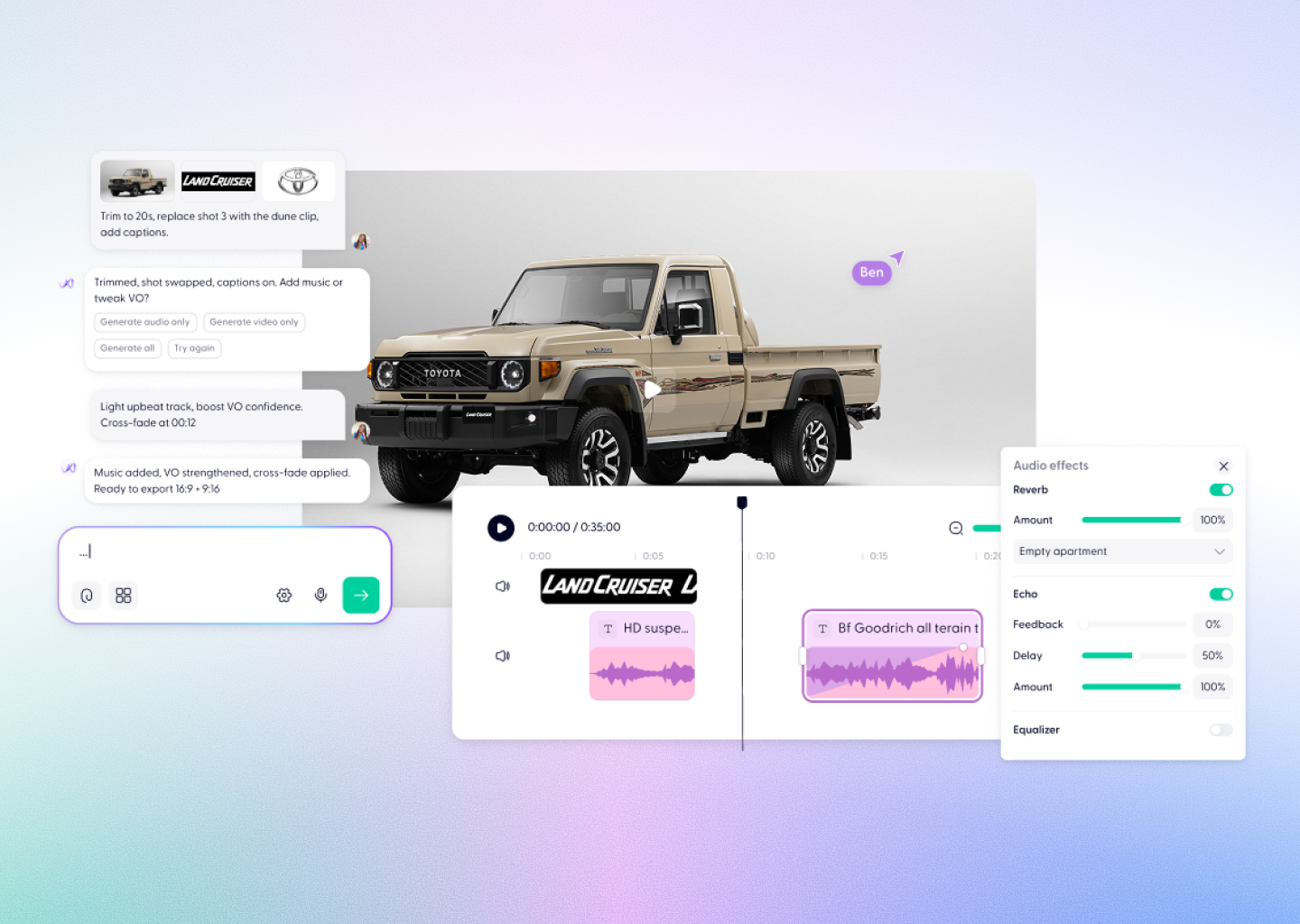
Wondercraft connects GPT Image 2.5’s generation and precise editing to a complete production workflow, so a visual idea becomes polished content in one place.
Write the brief
Describe the subject, composition, style, setting, and any text you need.
Add references
Use existing images to guide the look of a subject, product, or place.
Generate with GPT Image 2.5
Create a detailed image with natural lighting and rich textures.
Refine step by step
Make focused edits over several rounds while earlier changes hold.
Use it in Wondercraft
Bring the finished visual into scenes, storyboards, video, and branded assets.

GPT Image 2.5 alone vs. GPT Image 2.5 in Wondercraft

Feature
OpenAI GPT Image 2.5 Alone
OpenAI GPT Image 2.5 in Wondercraft
Capabilities
Workflow
Control
Ideal for
Image generation and precise editing
Detailed prompts and reference images
A single generated visual
Designers and creators exploring individual assets
Visuals, video, audio, and publishing
From creative brief to finished content
Generated images shaped into a complete story
Marketing, training, and communications teams
Flux.1 Kontext Max Alone
Long-form multi-image editing
Image generation and scene mapping
Text and style-based guidance
Visual designers, art directors
Flux.1 Kontext Max in Wondercraft
Full multimedia storytelling with audio and timeline
End-to-end production from script to release
Visual, audio, and Wonda-assisted co-direction
Storytellers, educators, and production teams
Why Wondercraft?
Turn images into finished content
Use GPT Image 2.5 visuals as part of a complete video, campaign, or story.
Create in one workspace
Generate images alongside voice, music, video, captions, and brand materials.
Keep details intact
Edit with precision, then carry the visual into video without switching tools.
Make visuals ready to use
Move from generation to an editable Wondercraft project built for real content workflows.
How it works
FAQs
Everything you need to know about
OpenAI GPT Image 2.5
What is GPT Image 2.5?
What is new compared with GPT Image 2?
Can I edit images with GPT Image 2.5?
What are the GPT Image 2.5 variants?
Is GPT Image 2.5 available in Wondercraft?

Precise. Detailed. Ready to create.

Create GPT Image 2.5 visuals with precise editing control, then turn them into polished, business-ready content in Wondercraft, from first brief to final edit.
Try it in Wondercraft