


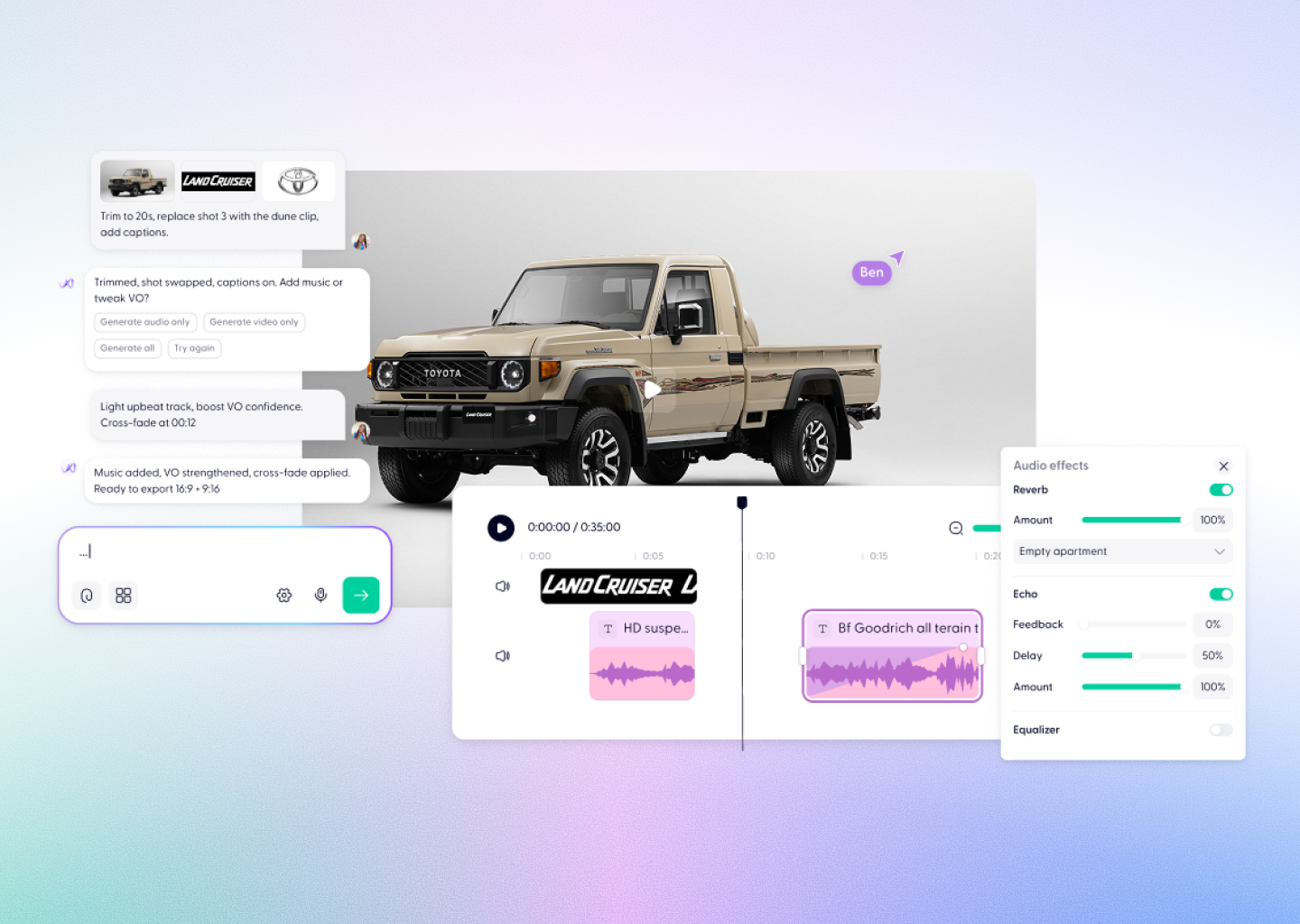


Free AI Video Generator










From words to video. Instantly



Everything you need to create your AI video
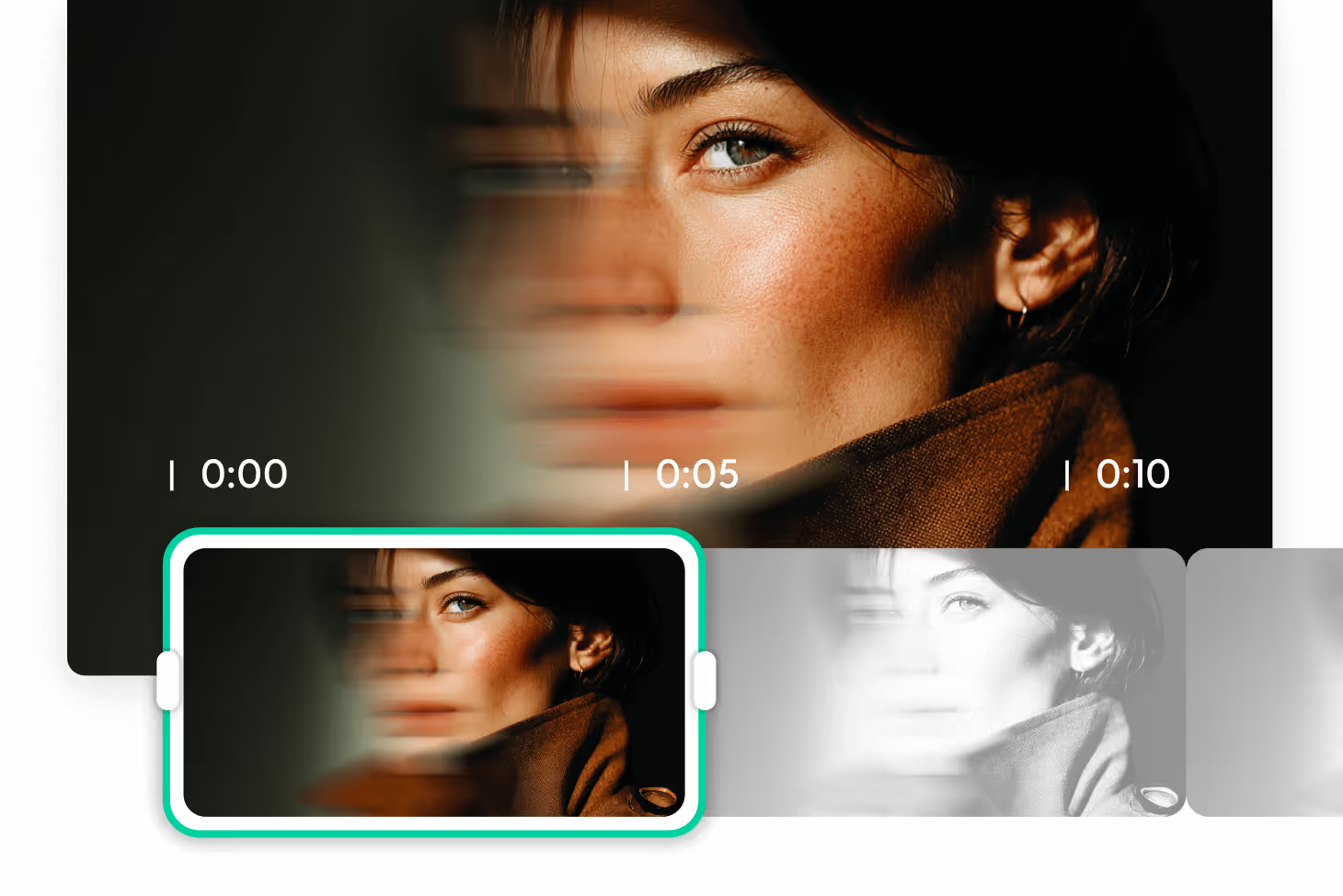
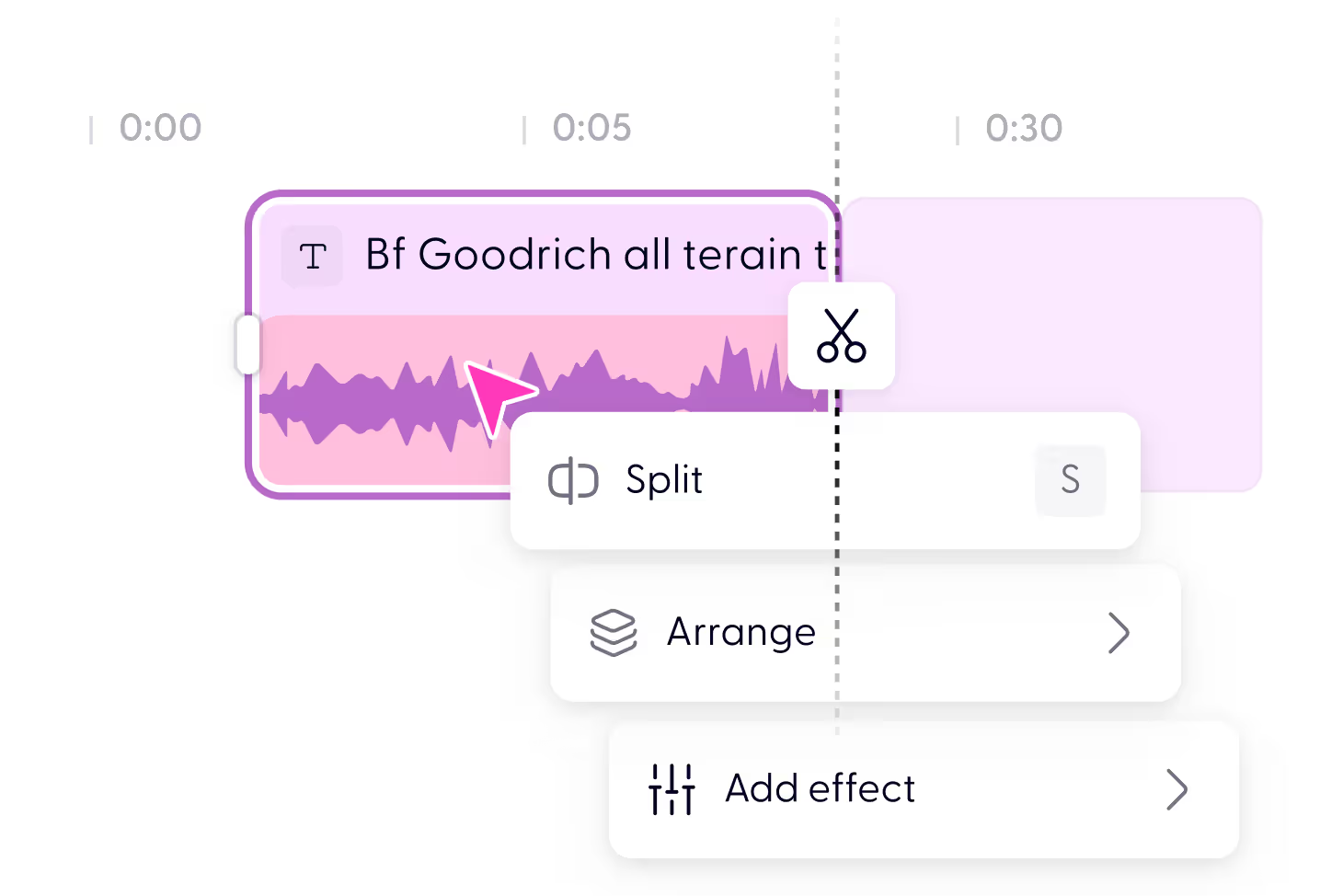
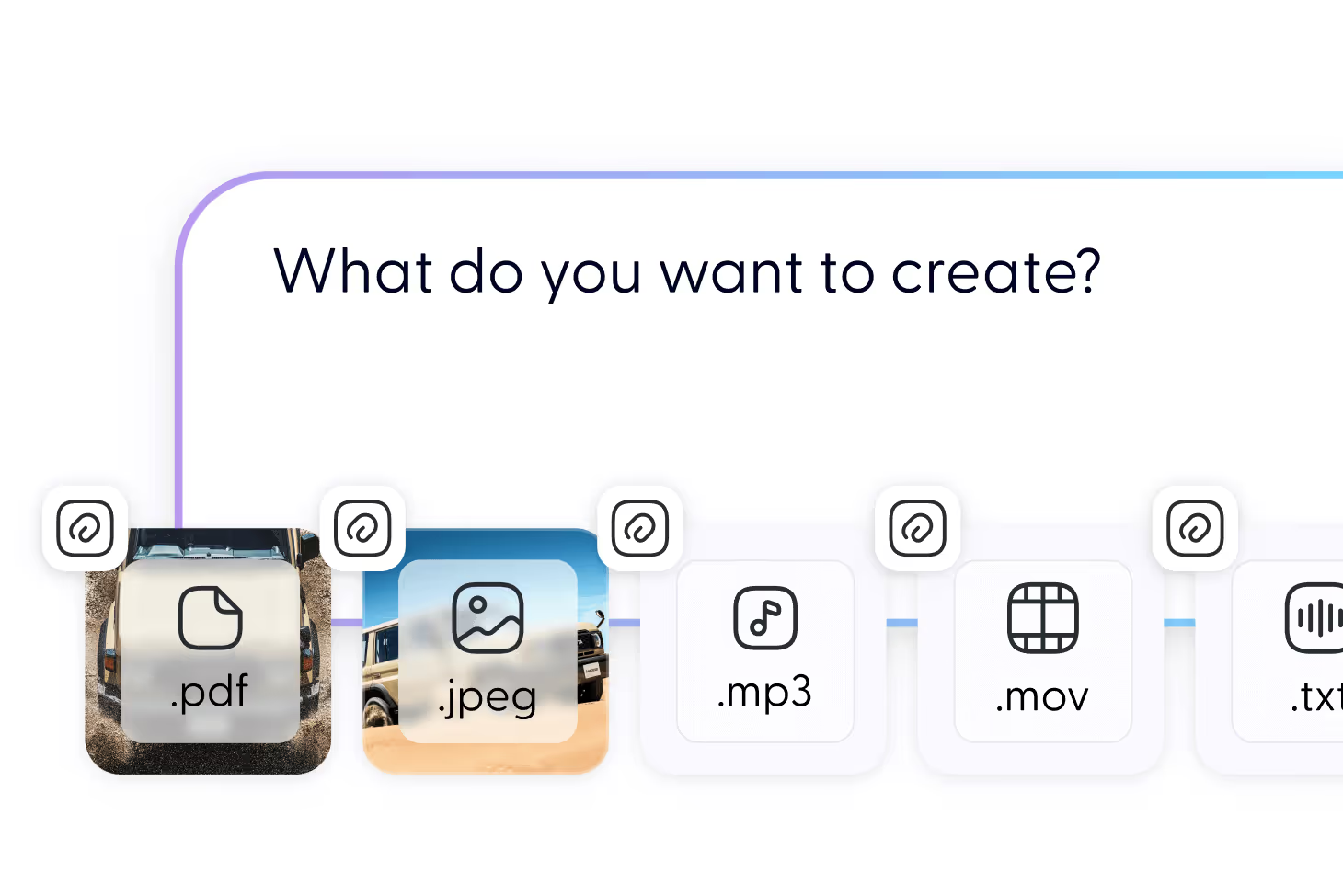
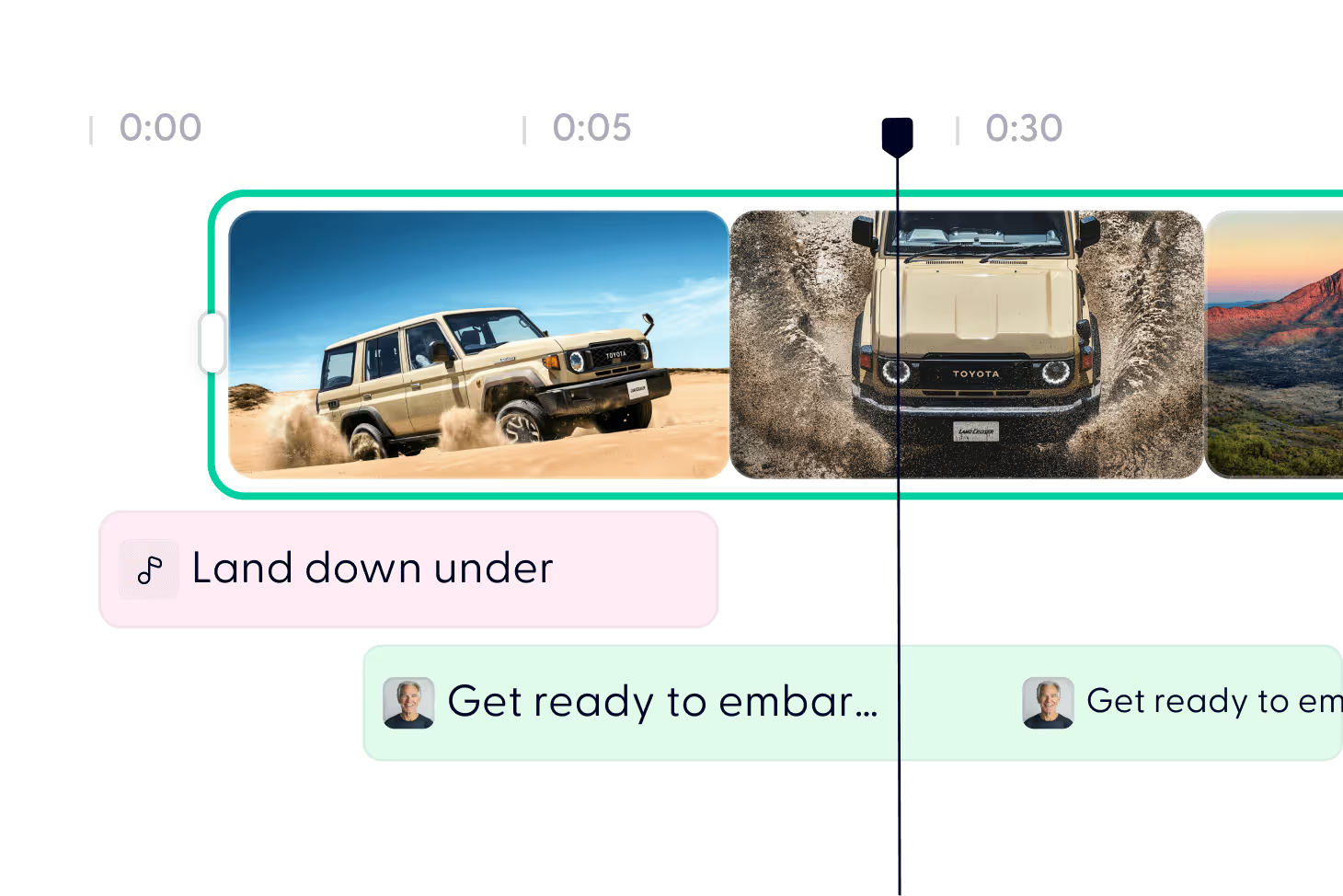
Make an AI video in just 3 steps


Yes. Every free account includes monthly credits — enough to generate your first video. If you want longer clips, HD quality, or watermark-free exports, you can upgrade for more credits.
All videos open in Wondercraft Studio after generation. From there, you can preview, edit, and create variations until you’re happy.
Most short videos generate in seconds. Full clips are usually ready within a few minutes inside Studio.
Not at all. AI creates the video for you, but you can easily adjust things with a drag-and-drop timeline for captions, audio, and branding.
Yes. Upload logos, fonts, images, or audio files — or generate new visuals and sound effects with AI.
Yes. Upload logos, fonts, images, or audio files — or generate new visuals and sound effects with AI.
Standard MP4 in multiple resolutions and aspect ratios, perfect for TikTok, YouTube, LinkedIn, or internal platforms.
No. Avatars are one option, not the whole product. Most AI video tools for business are built around a presenter reading a script. Wondercraft generates full scenes, B-roll, motion, and graphics as well, so you can make a video that does not have a talking head in it at all.
No. Your content is never used to train AI models. Wondercraft is SOC 2 and GDPR compliant, supports SAML, SSO, and MFA, and projects stay private to your workspace. Security documentation is available in the trust centre for procurement reviews.
Videos export as standard MP4 in landscape, portrait, and square, at multiple resolutions. That covers YouTube and LinkedIn, vertical formats for TikTok and Reels, and internal platforms. You choose the aspect ratio before generating, and you can resize an existing video in the Studio without regenerating it.
Discover more
Videos created with Wonda

Your next video starts here