


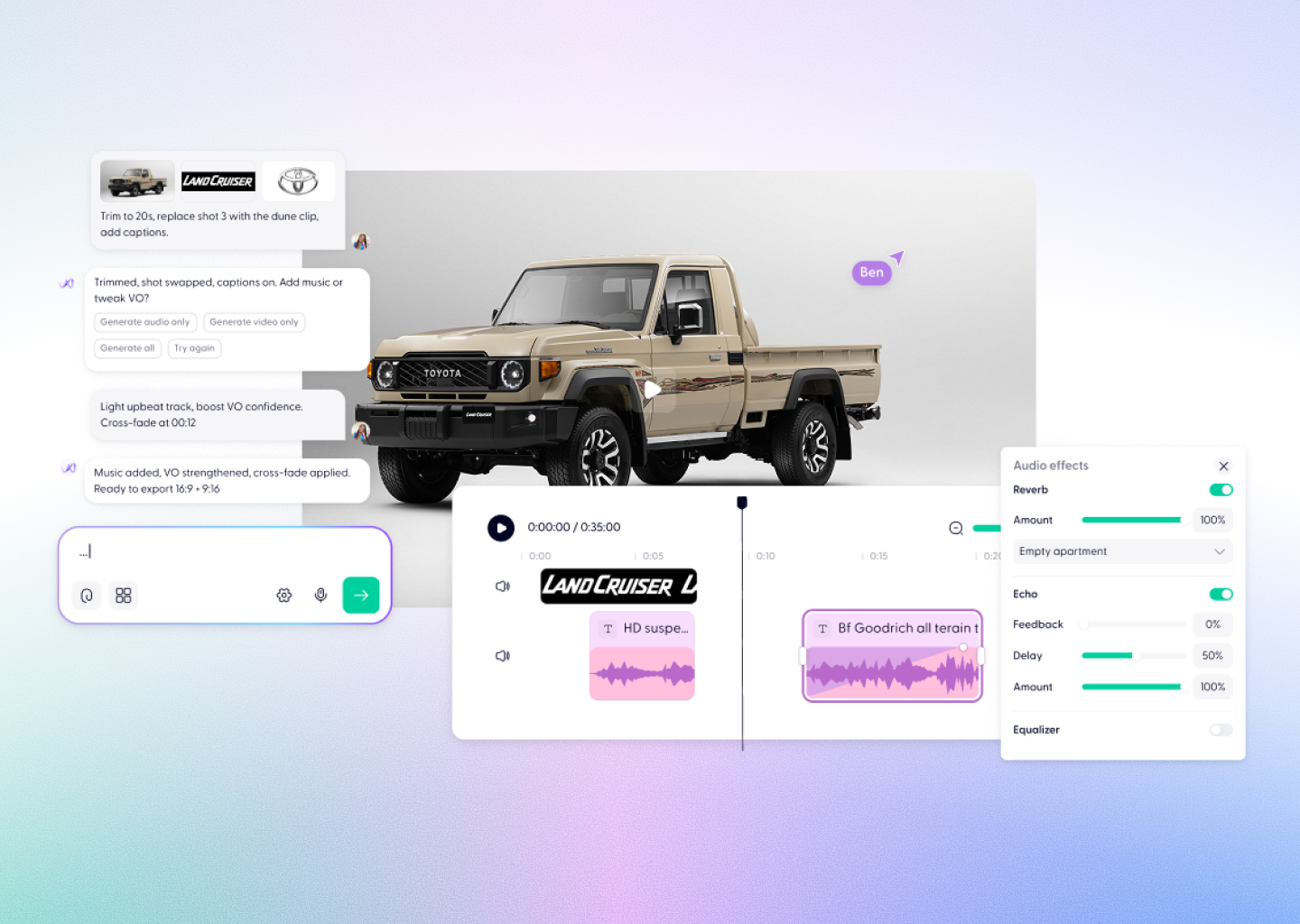


Topaz Video Enhancement, Powered by Wondercraft
Topaz is Topaz Labs' AI video enhancement model — now available in Wondercraft Studio. It upscales resolution, reduces noise, smooths frame rates, and sharpens detail across any footage — including AI-generated video. In Wondercraft, Topaz connects directly to your video pipeline — generate, enhance, edit, and publish from a single project.
Try it in Wondercraft


Topaz
Topaz transforms any footage into professional-grade video — upscaling, denoising, and sharpening with AI precision.
Intelligent Upscaling
Increase resolution dramatically — AI fills in real detail, not stretched pixels.
Noise Elimination
Remove grain, compression artefacts, and visual noise cleanly.
Frame Rate Smoothing
Interpolate low frame-rate footage to 60fps and beyond.
Detail Recovery
Sharpen fine edges and textures lost to compression or low resolution.
AI-Video Compatible
Enhance AI-generated clips from Kling, Vidu, WAN 2.5, and more.
Professional Trust
Used by filmmakers, post-houses, and broadcast professionals worldwide.
Wondercraft Visual Workflows
Wondercraft transforms Topaz into a seamless enhancement pipeline — connecting AI video upscaling with editing, sound design, and professional publishing.

Generate Then Enhance
Create with any AI video model, then upscale with Topaz — all in one project.

Resolution Upgrade
Take low-resolution footage and upscale it to 4K with intelligent detail filling.

Legacy Footage Recovery
Breathe new life into older, compressed, or low-quality video content.

Frame Rate Smoothing
Interpolate choppy footage to smooth, natural motion at higher frame rates.

Publishing and Export
Export enhanced video in any format, resolution, and aspect ratio.

Topaz alone vs. Topaz in Wondercraft
Feature
Topaz Alone
 Topaz in Wondercraft
Capabilities
Workflow
Control
Ideal for
Video upscaling, denoising, sharpening
Process video, no pipeline
File input, enhancement controls
Post-production, video professionals
Enhanced video, voice, publishing
Enhance, edit, and publish
Timeline, voices, Wonda direction
Content creators, marketers
Flux.1 Kontext Max Alone
Long-form multi-image editing
Image generation and scene mapping
Text and style-based guidance
Visual designers, art directors
Flux.1 Kontext Max in Wondercraft
Full multimedia storytelling with audio and timeline
End-to-end production from script to release
Visual, audio, and Wonda-assisted co-direction
Storytellers, educators, and production teams

Why Wondercraft?
Generate. Enhance. Publish.
Topaz polishes your footage; Wondercraft delivers the complete production workflow.
All models, one pipeline.
Enhance output from Kling, Veo 3.1, Vidu, and more — without leaving Wondercraft.
No post-production detour.
Enhancement lives inside your editing timeline — no round-tripping to external tools.
Guided by Wonda.
Your built-in AI assistant helps optimise enhancement settings for your content.
How it works
FAQs
Everything you need to know about
Topaz
What is Topaz?

Topaz Labs' AI video enhancement tool — upscaling, denoising, and sharpening trusted by professional filmmakers.
Is Topaz available in Wondercraft?
Yes — enhance any video directly inside Wondercraft Studio.
Can Topaz enhance AI-generated video?
Yes. It works on any source — including AI clips from Kling, Vidu, WAN 2.5, and more.
What does upscaling actually do?
It increases resolution using AI — adding real detail, not just stretching pixels.
What footage benefits most from Topaz?
Low-resolution source footage, compressed video, older content, and AI generations that need a quality boost.
Enhanced. Voiced. Published.
From raw footage to polished, published video, Topaz in Wondercraft Studio gives you AI-powered enhancement with the voiceover, sound design, and publishing tools to complete the pipeline.
Try it in Wondercraft