

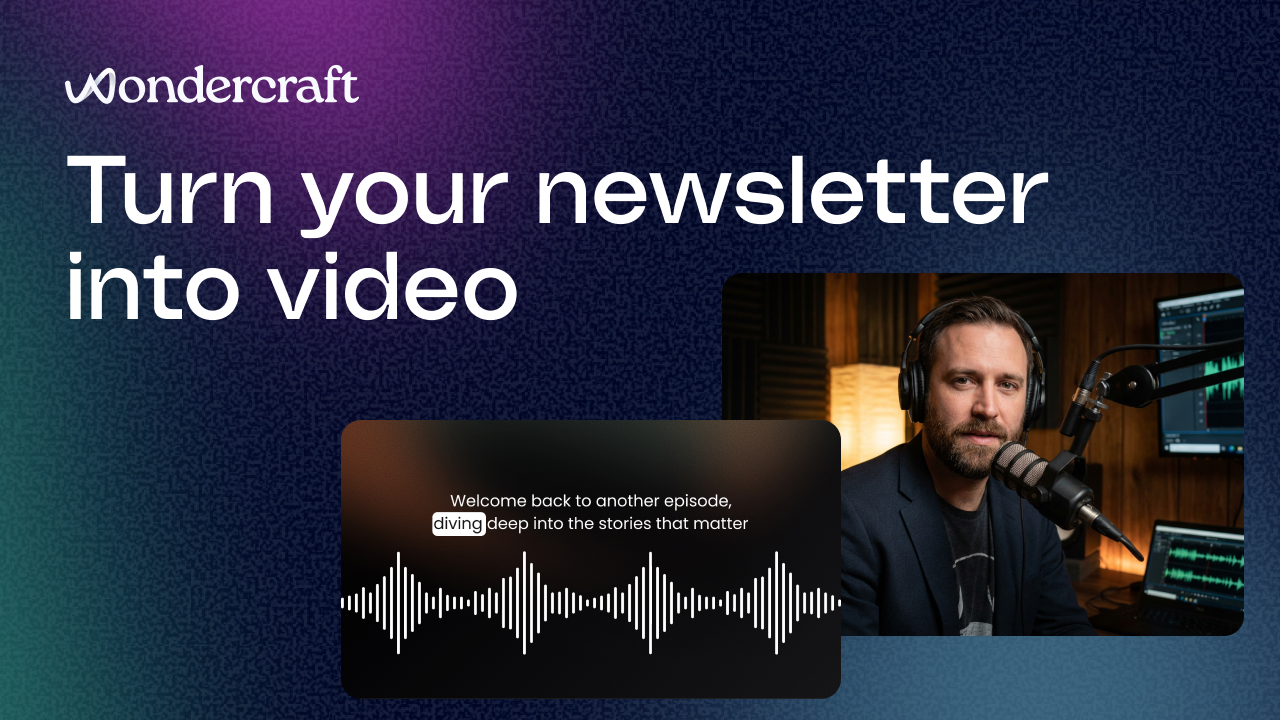
Newsletters are a lot of work.
You research, write, edit, polish. You finally hit send. And then… most of that effort lives in an inbox for a few days and disappears.
Meanwhile, video keeps outperforming almost every other format for reach, engagement, and retention. Especially on social, internal comms, and training.
So the obvious question becomes: If you already wrote the newsletter, why not turn it into a video too?
That’s exactly what this tutorial covers.
Why turning newsletters into video makes sense now
Repurposing content isn’t new. But AI has changed what’s practical.
Before, turning a newsletter into a video meant:
- Writing a new script
- Recording voiceover
- Finding visuals
- Editing everything manually
- Spending hours (or days) on production
Now the heavy lifting can happen automatically. The workflow shifts from “produce from scratch” to “generate → refine → publish.”
That’s a very different mindset.
And for teams producing regular updates, product launches, internal announcements, or educational content, it removes a big bottleneck.
What you can actually create from a newsletter
Some common examples we see:
Marketing & growth
- Newsletter highlights turned into LinkedIn or YouTube explainers
- Product update summaries
- Thought leadership clips
Internal communications
- Leadership updates in video form
- Training recap videos
- Company news briefings
Education & content teams
- Learning recap videos
- Course updates
- Research summaries
If the newsletter explains something, it usually translates well to video.
Step-by-step: Turning your newsletter into a video
Here’s the simple workflow.
1. Add your newsletter (text or URL)
Start by pasting either:
- The full newsletter text
- Or a link to the published newsletter
Using a URL is often easier — AI can extract the content directly.
Then give a simple instruction like: “Convert this newsletter into an explainer video.”
That’s enough to generate a first structure.
2. Choose your video style
This is where you shape how the video feels.
Typical options include:
- Visual style (whiteboard, modern explainer, branded look)
- Language and narration voice
- Video format (landscape, square, vertical)
- Video length
- Avatar presence (optional)
You can also:
- Add brand logos
- Adjust music style
- Balance visuals vs text
- Select specific AI models if needed
Or just leave everything on auto for a quick draft.
3. Generate the first draft
Once you hit generate:
- AI creates narration
- Builds scenes and visuals
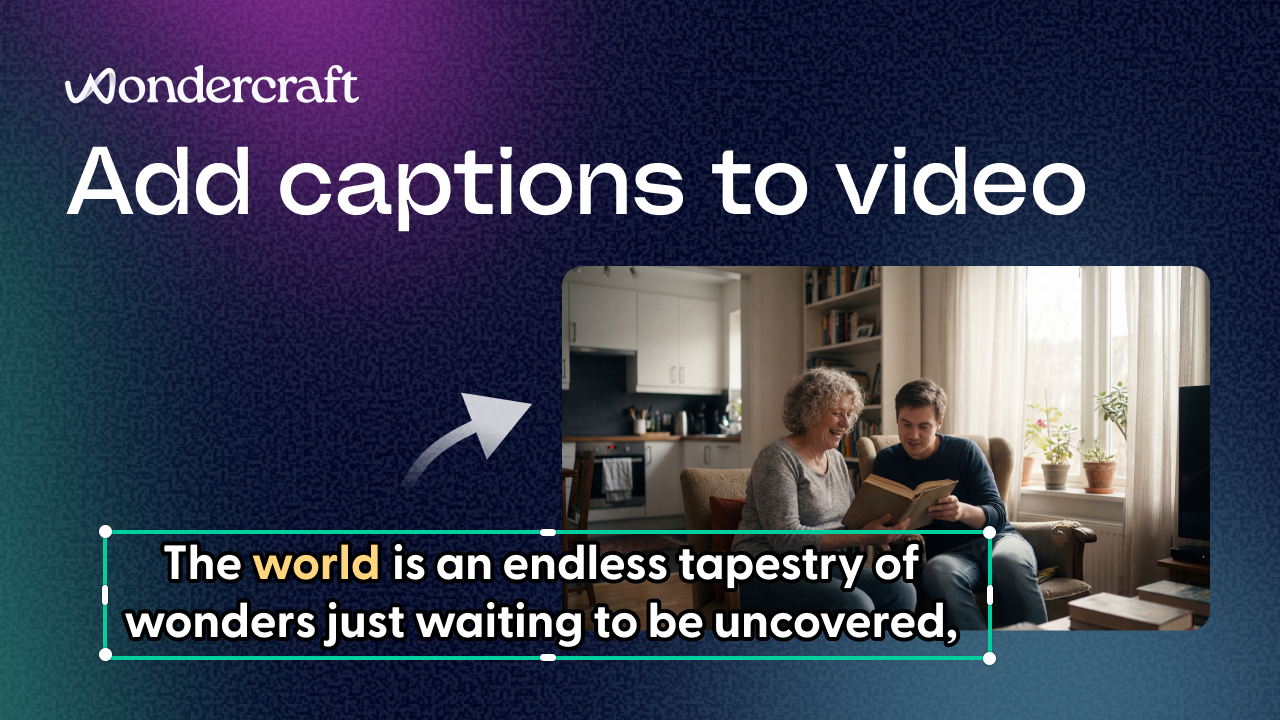
- Adds captions and music
- Structures everything into a timeline
You don’t have to wait on the page, you’ll usually get notified when it’s ready.
Think of this as your rough cut. Not final. But very usable.
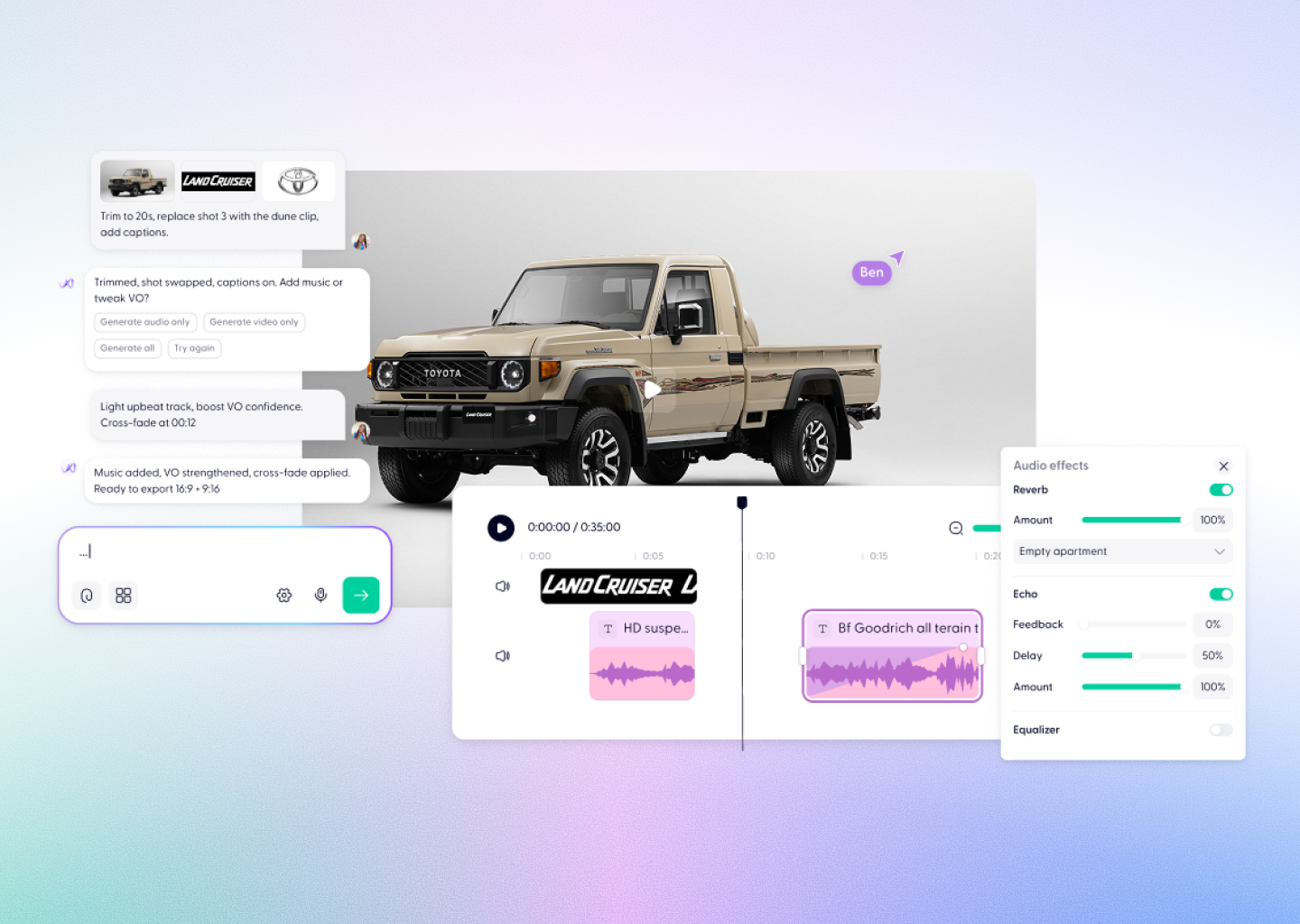
4. Refine inside the editor
This is where it becomes production-ready.
Typical tweaks:
- Adjust narration wording or tone
- Swap visuals or add brand assets
- Update music or pacing
- Add captions, effects, or text overlays
The key difference vs traditional video: You’re editing decisions, not assembling everything manually.
5. Export and publish
Once you’re happy, export the video and use it for:
- Social distribution
- Internal comms
- Landing pages
- Product updates
- Education content
Same message. Better reach.
A small bonus if you want to try it
If you’re experimenting with turning newsletters into video, we set up a small offer:
50% off your first month with code BETTERFORMAT
(It’s capped at 200 uses, so worth trying sooner rather than later.)
A few tips that make a big difference
1. Keep newsletters conversational
2. Break long paragraphs
3. Include a clear takeaway
4. Don’t aim for perfection first
The bigger shift behind this
This isn’t really about video.
It’s about format flexibility.
Teams don’t want to create the same idea five different ways anymore. They want one source of truth that adapts across:
- Text
- Audio
- Video
- Social
- Internal comms
Newsletters are often the best starting point because they already contain structured thinking. Turning them into video just extends their lifespan.
If you want to try it
You can start from:
- A newsletter
- A blog post
- A document
- Or just an idea
And turn it into something you can actually publish. That’s the goal. Not just generating video,making existing content work harder.