


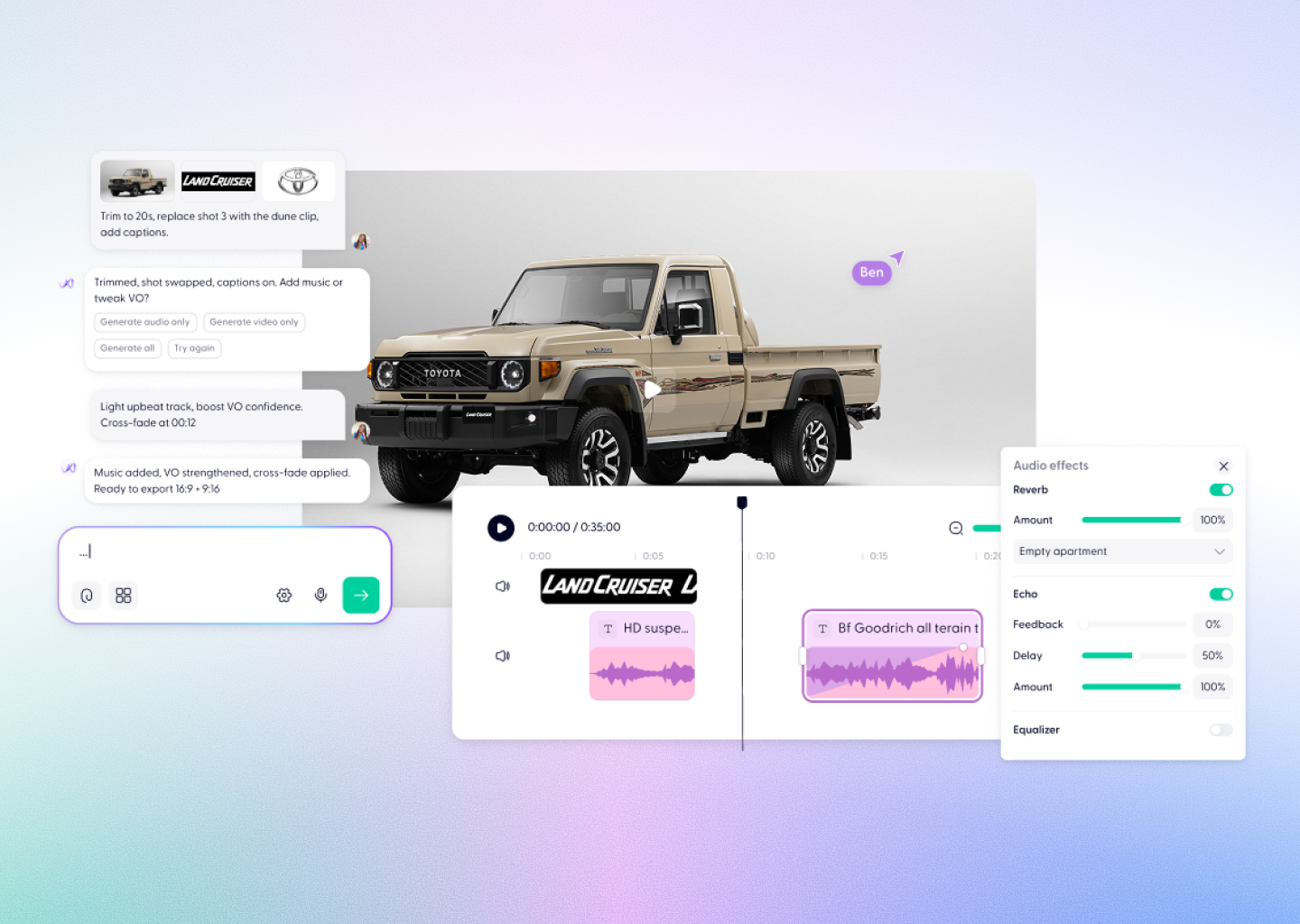



Gemini Omni Flash Video, Powered by Wondercraft
Gemini Omni Flash is Google’s fast, conversational AI video model. Create short videos from text, images, or video, then refine the result through natural-language edits—all within Wondercraft.
Try it in Wondercraft


Google Omni-flash
Gemini Omni Flash brings Google’s multimodal intelligence to AI video creation and editing. Start with a prompt, image, or source clip, generate high-quality video with audio, and make creative changes through conversation. In Wondercraft, those clips become part of a complete workflow for building polished, business-ready video.
Conversational video editing
Refine a generated or uploaded video with natural-language instructions instead of starting again.
Multimodal inputs
Use text, images, and video as inputs to guide a new generation or edit.
Video with audio
Generate video and audio together for scenes that sound as complete as they look.
Fast video creation
Create short video clips designed for quick exploration, iteration, and creative testing.
720p output
Generate 720p video at 24 FPS for clear, shareable creative drafts.
3–10 second clips
Choose short clip lengths that fit a scene, transition, social post, or video sequence.
Wondercraft Visual Workflows
Wondercraft connects Gemini Omni Flash video generation and conversational editing to a complete production workflow—so you can move from an idea to a finished video in one place.

Start with a prompt
Describe the subject, action, setting, visual style, and audio you want to create.

Add a reference
Use an image or video input when you want to guide the look, subject, or source material.

Generate with Gemini Omni Flash
Create a short 720p video with audio from your text and visual instructions.

Edit through conversation
Ask for changes in natural language to refine the generated or uploaded video.

Build the finished video
Bring your clips into Wondercraft to arrange scenes, add narration, captions, music, and branding.

Gemini Omni Flash alone vs. Gemini Omni Flash in Wondercraft
Feature
Google Omni-flash Alone
 Google Omni-flash in Wondercraft
Capabilities
Workflow
Control
Ideal for
Video generation and conversational editing
Text, image, and video inputs
Short AI-generated clips
Creators exploring individual scenes
Video, audio, editing, and publishing
From prompt to finished video
Generated clips shaped into a complete story
Marketing, training, and communications teams
Flux.1 Kontext Max Alone
Long-form multi-image editing
Image generation and scene mapping
Text and style-based guidance
Visual designers, art directors
Flux.1 Kontext Max in Wondercraft
Full multimedia storytelling with audio and timeline
End-to-end production from script to release
Visual, audio, and Wonda-assisted co-direction
Storytellers, educators, and production teams

Why Wondercraft?
Go beyond a single clip
Turn Gemini Omni Flash generations into a complete, structured video project.
Keep creative work in one place
Generate, edit, and combine video assets without moving between disconnected tools.
Add the rest of the story
Pair video clips with AI voice, music, captions, and your existing brand assets.
Shape work for real use
Use Wondercraft’s editor to turn raw generations into content ready to review, share, or publish.
How it works
FAQs
Everything you need to know about
Google Omni-flash
What is Gemini Omni Flash?

Gemini Omni Flash is Google’s preview AI model for fast, conversational video generation and editing. It creates video from text, images, or video inputs and lets you refine results with natural-language instructions.
What can Gemini Omni Flash create from?
You can use text, images, and video as inputs. Gemini Omni Flash generates video with audio, and supports video editing from an uploaded or generated source clip.
Can Gemini Omni Flash edit an existing video?
Yes. Gemini Omni Flash is designed for conversational editing, so you can ask for changes using natural-language instructions.
What video quality and duration does Gemini Omni Flash support?
Gemini Omni Flash supports 3–10 second video outputs at 720p and 24 FPS. Video inputs for editing can be up to 10 seconds.
Is Gemini Omni Flash available in Wondercraft?
Yes. Gemini Omni Flash is available in Wondercraft as part of a broader video-creation workflow.
Fast. Conversational. Ready for the next cut.
Create and refine Gemini Omni Flash videos in Wondercraft, then turn each clip into polished, business-ready content with editing, audio, captions, and branding.
Try it in Wondercraft