

Podcast GPT










From document to video in minutes
Upload your PDF and AI turns it into a polished explainer video — complete with narration, visuals, captions, and music.
No filming. No editing. No rebuilding slides manually.
Just upload and generate.



Everything you need to create your ChatGPT podcast
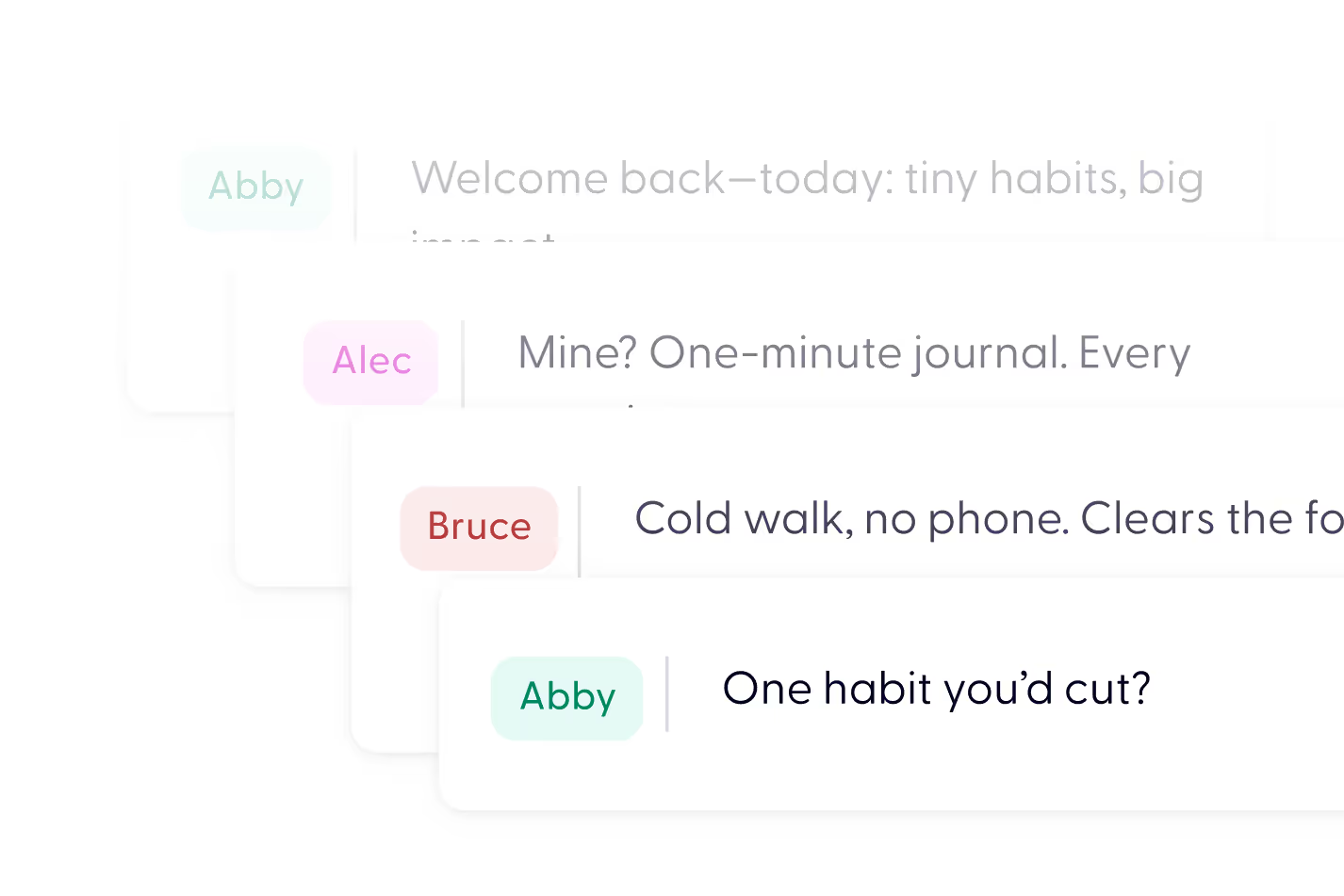
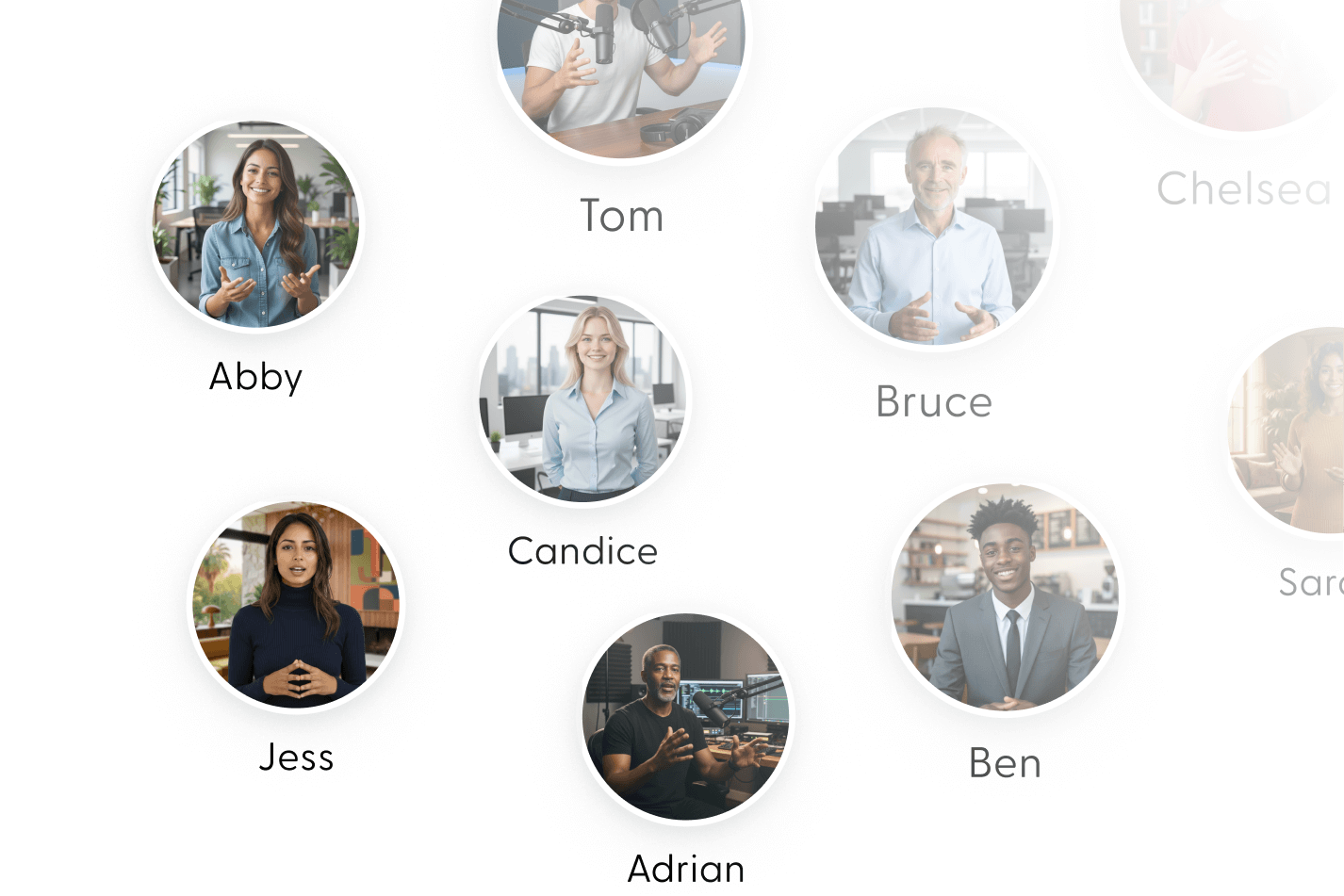
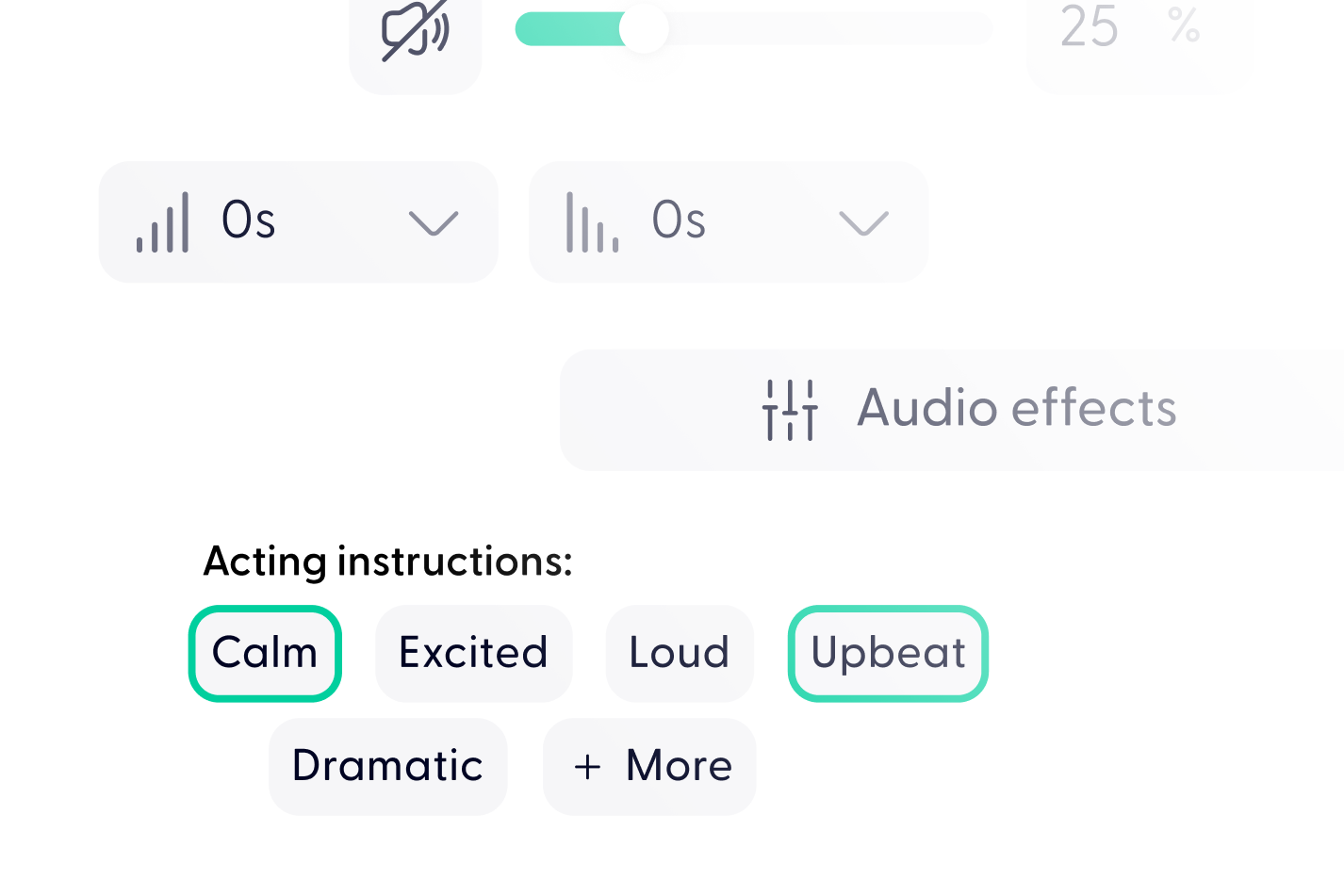

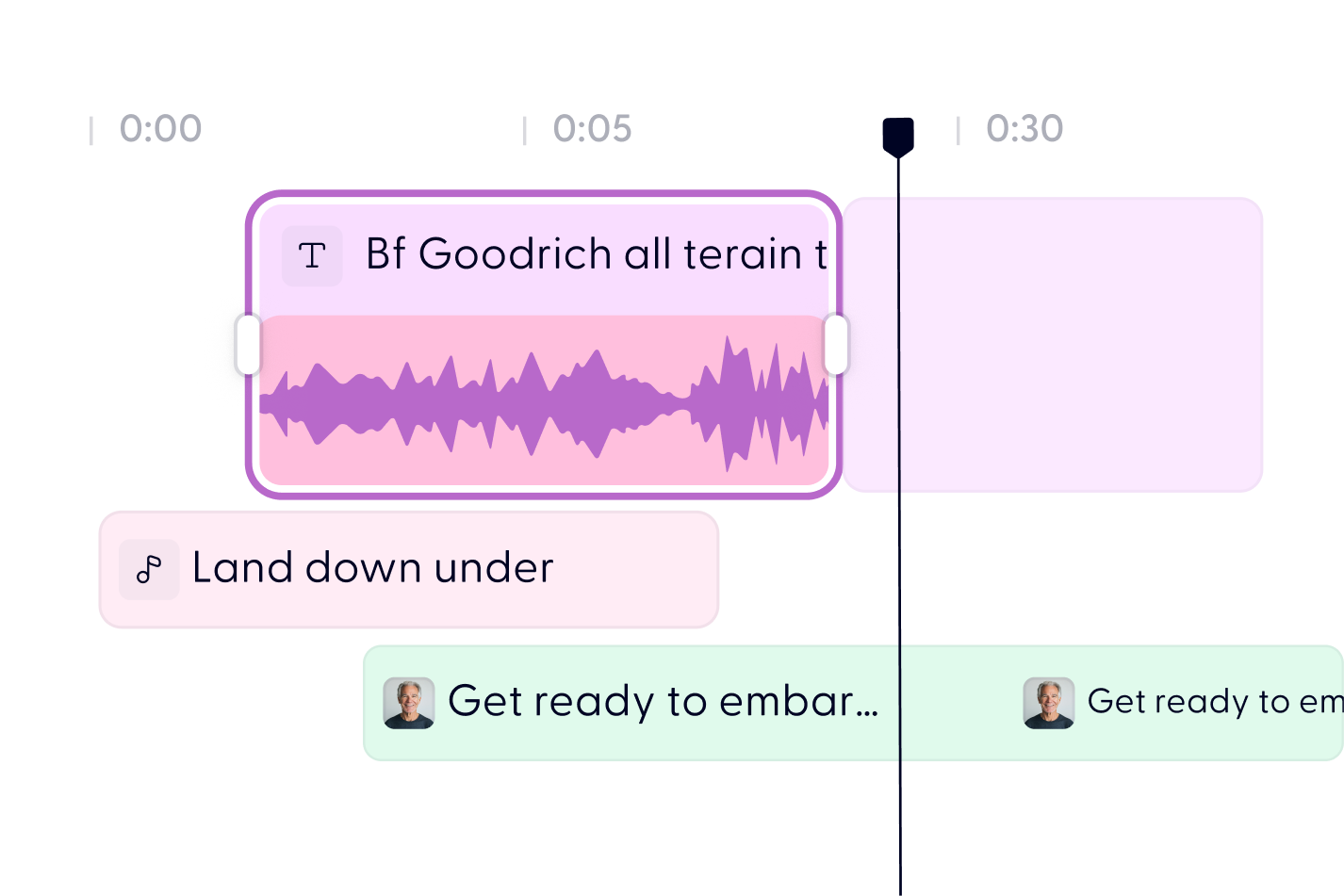
Turn your PDF into video in 3 steps


You can try it directly on ChatGPT: https://chatgpt.com/g/g-673b663bab688191ab443607cb4e06f4-podcast-gpt-by-wondercraft-ai. It’s a custom GPT that helps you brainstorm, script, and launch a podcast in minutes—all powered by Wondercraft’s audio tools. No downloads or technical skills needed.
Podcast GPT is a custom ChatGPT experience created by Wondercraft. It allows you to turn a simple prompt or idea into a full podcast script in seconds. Then, with one click, you can export it to Wondercraft and turn it into a polished audio episode using realistic AI voices and music.
Start by chatting with Podcast GPT to develop your podcast idea or script. Once you're happy with the result, the GPT gives you a direct link to open your script in Wondercraft’s editor—where you can choose voices, add music, and publish.
Nope. Podcast GPT is integrated with Wondercraft. Once your script is ready, it links directly to our platform, making the transition from text to audio completely seamless.
Yes. Once your script is in Wondercraft, you can pick from a wide range of realistic AI voices with different tones, accents, and styles. You can also tweak pacing, add music, and include sound effects to match your brand or vibe.
Yes. Once your script is in Wondercraft, you can pick from a wide range of realistic AI voices with different tones, accents, and styles. You can also tweak pacing, add music, and include sound effects to match your brand or vibe.
Absolutely. It’s built for simplicity. You don’t need any editing experience—just an idea. Podcast GPT helps shape the script, and Wondercraft handles the audio production with an intuitive drag-and-drop editor.
Yes! You can use Podcast GPT on ChatGPT for free. Wondercraft also lets you start creating audio at no cost, with the option to upgrade if you need more voices, exports, or features.
Usually in under 10 minutes. Prompt your idea, generate the script, edit and voice it in Wondercraft—and you’ve got a studio-quality podcast ready to go.
Discover more
Videos created with Wonda


Your next video starts here