

Try out our free Notes to Podcast generator










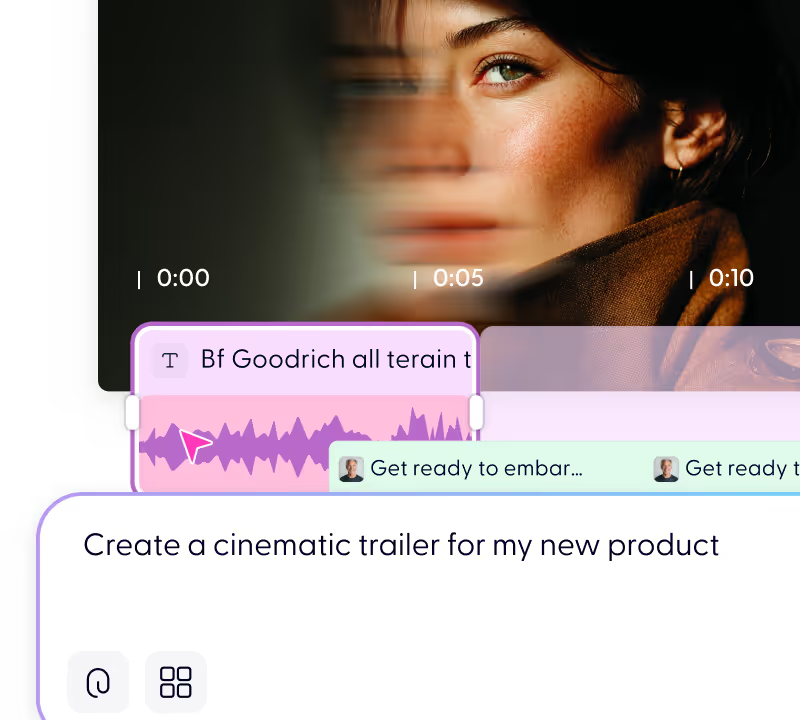
From document to video in minutes
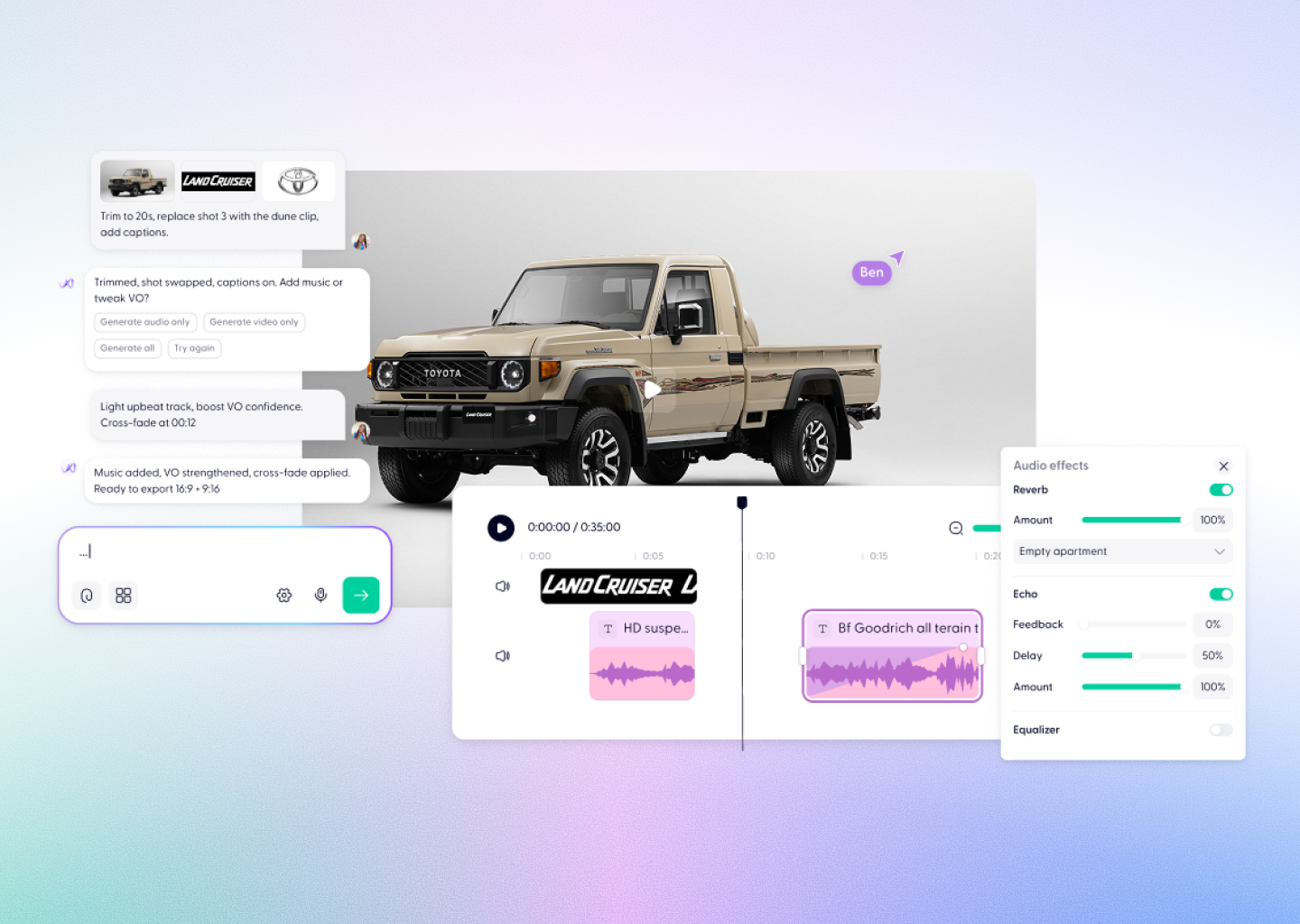
Upload your PDF and AI turns it into a polished explainer video — complete with narration, visuals, captions, and music.
No filming. No editing. No rebuilding slides manually.
Just upload and generate.



Everything you need to turn notes into a podcast


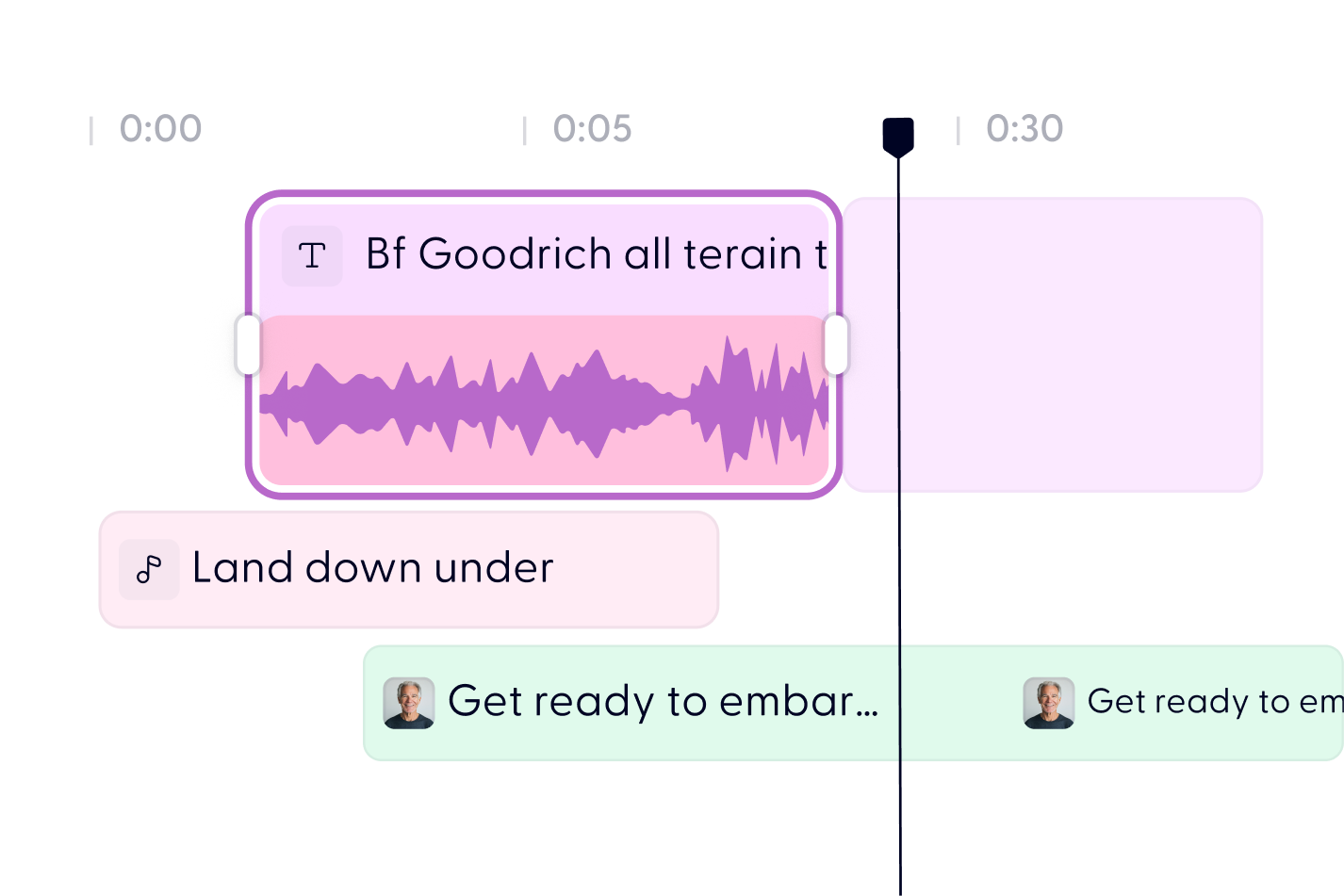

Turn your PDF into video in 3 steps


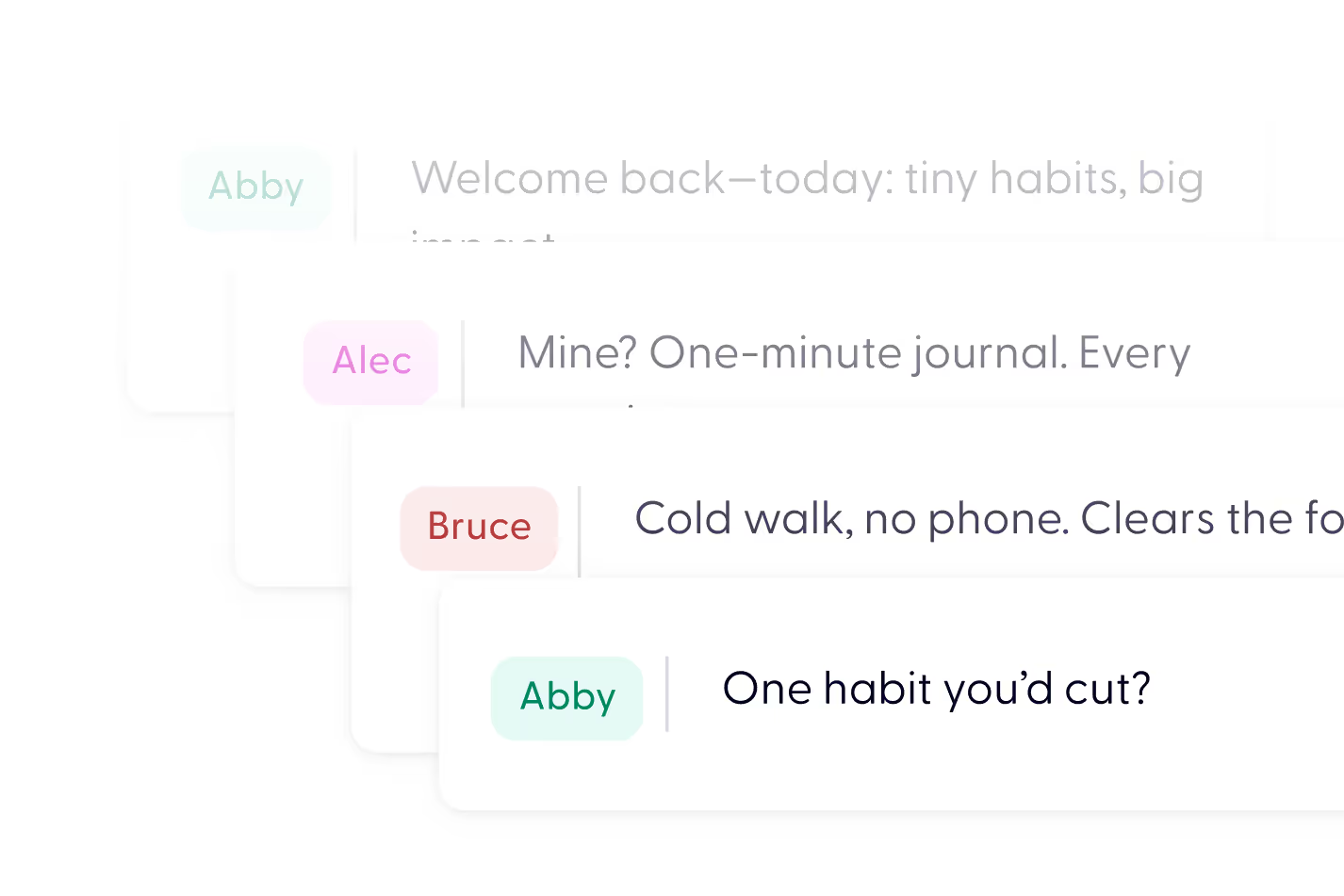
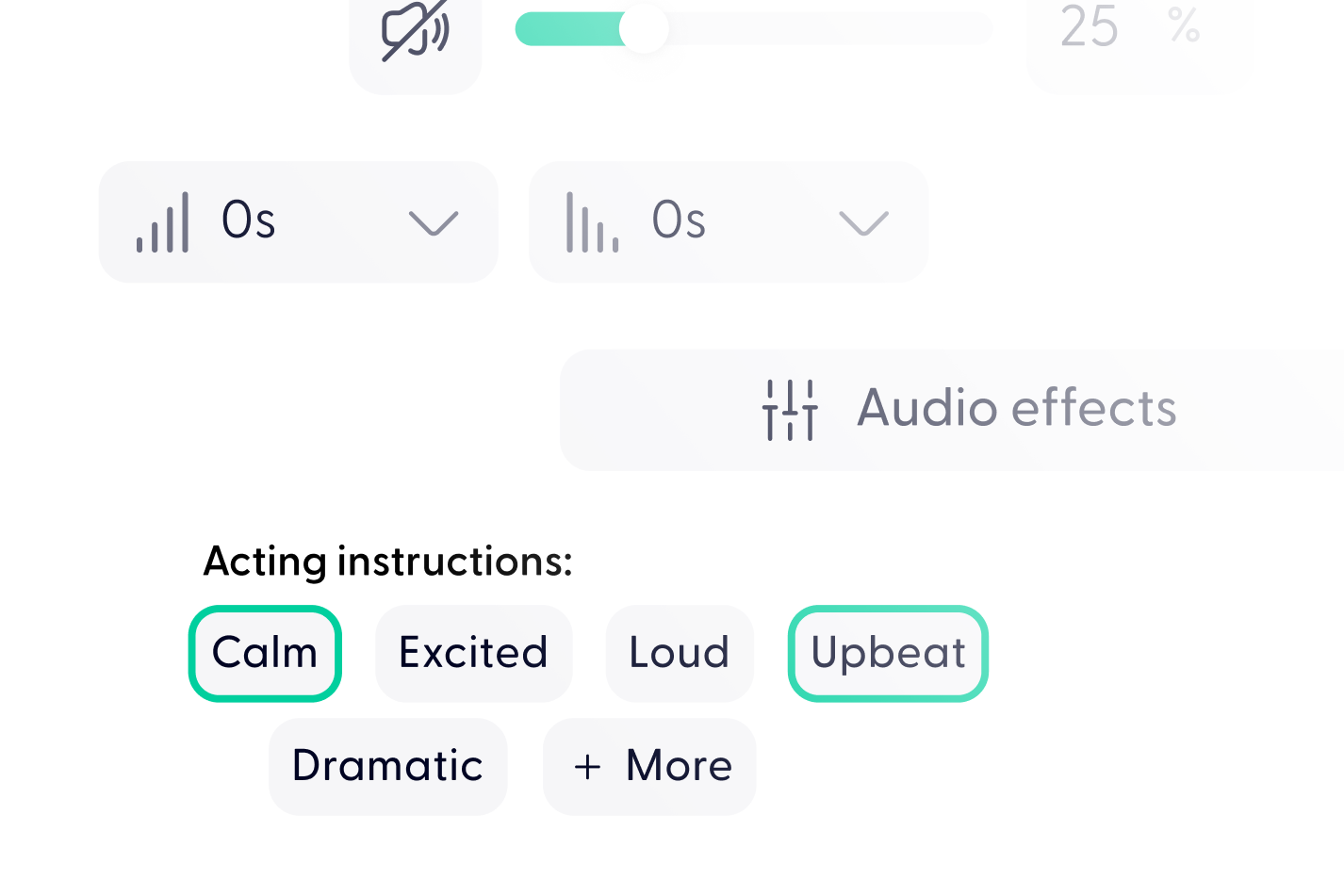
Simply paste or upload your notes into Wondercraft. Our AI helps you shape them into a script, lets you choose a voice, and adds any music or effects you want—then your podcast is ready to go in minutes.
You can use study notes, meeting summaries, brainstorming sessions, checklists—basically anything you’ve jotted down. As long as it's text-based, Wondercraft can help turn it into engaging audio.
Yes. You can edit your notes directly in the platform or ask our AI assistant to help you polish and organize them for smoother flow before recording.
Definitely. Students use it to study while walking or commuting, and professionals turn notes into quick audio briefings, updates, or personal productivity tools. It's great for learning on the go.
Yes! Wondercraft offers a wide selection of AI voices with different tones and accents. Whether you want something casual, professional, or friendly, you’ll find a voice that fits your style. You can even upload your own voice.
Yes! Wondercraft offers a wide selection of AI voices with different tones and accents. Whether you want something casual, professional, or friendly, you’ll find a voice that fits your style. You can even upload your own voice.
Yes. You can create podcasts in multiple languages, making it ideal for international users, teams, and learners.
Yes, you can start for free and access all the core features. For higher usage and extra tools, we also offer flexible paid plans.
Most podcasts are ready in just a few minutes. Once your notes are in, the rest of the process—from editing to exporting—is super quick.
Discover more
Videos created with Wonda






Your next video starts here