

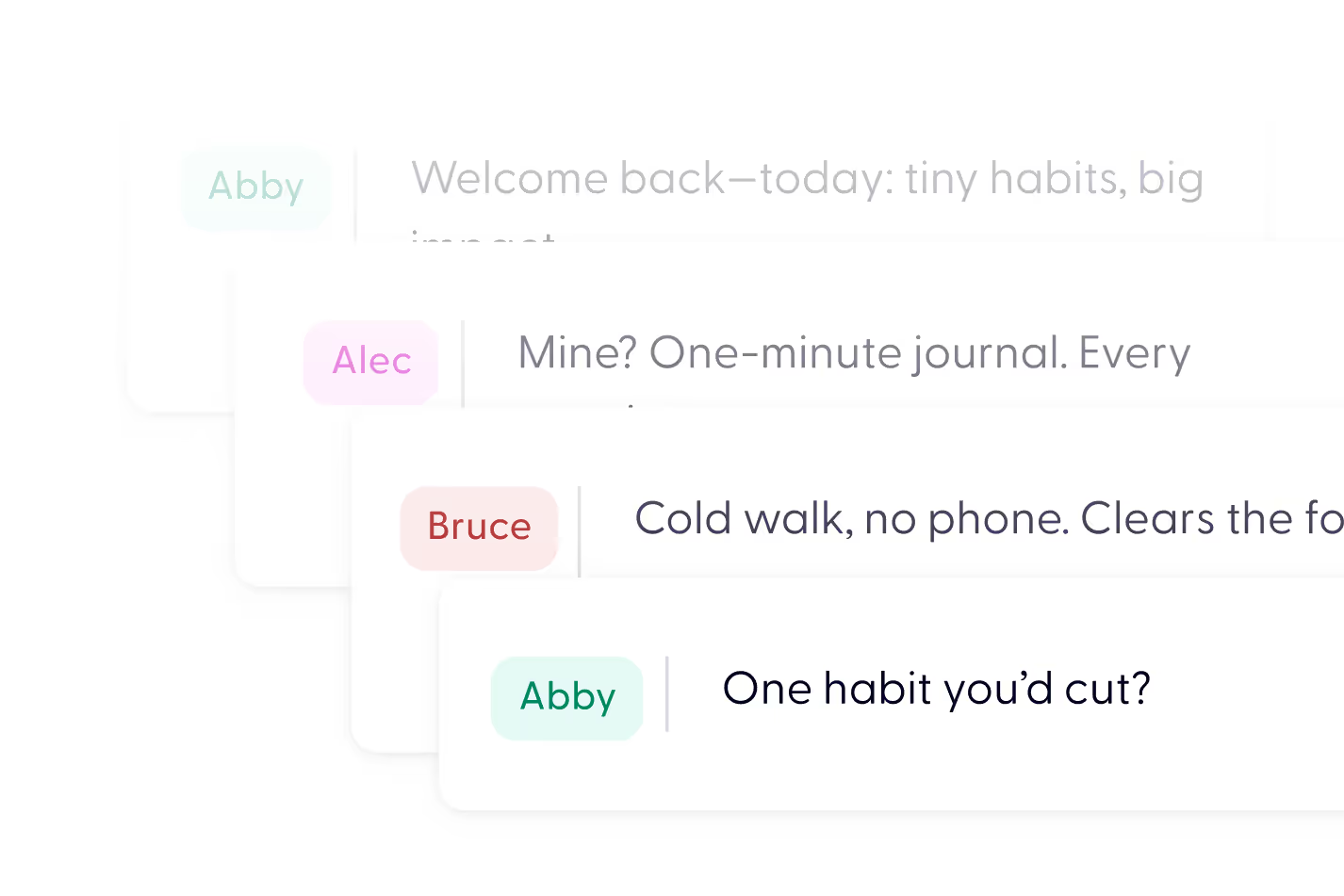
Conversational Podcast Generator










From document to video in minutes
Upload your PDF and AI turns it into a polished explainer video — complete with narration, visuals, captions, and music.
No filming. No editing. No rebuilding slides manually.
Just upload and generate.



Everything you need to edit your NotebookLM podcast


Turn your PDF into video in 3 steps


It’s a dedicated editing tool that lets you refine and customize audio content created with NotebookLM. You can import your NotebookLM output into Wondercraft and polish everything—from pacing and tone to voice and background audio.
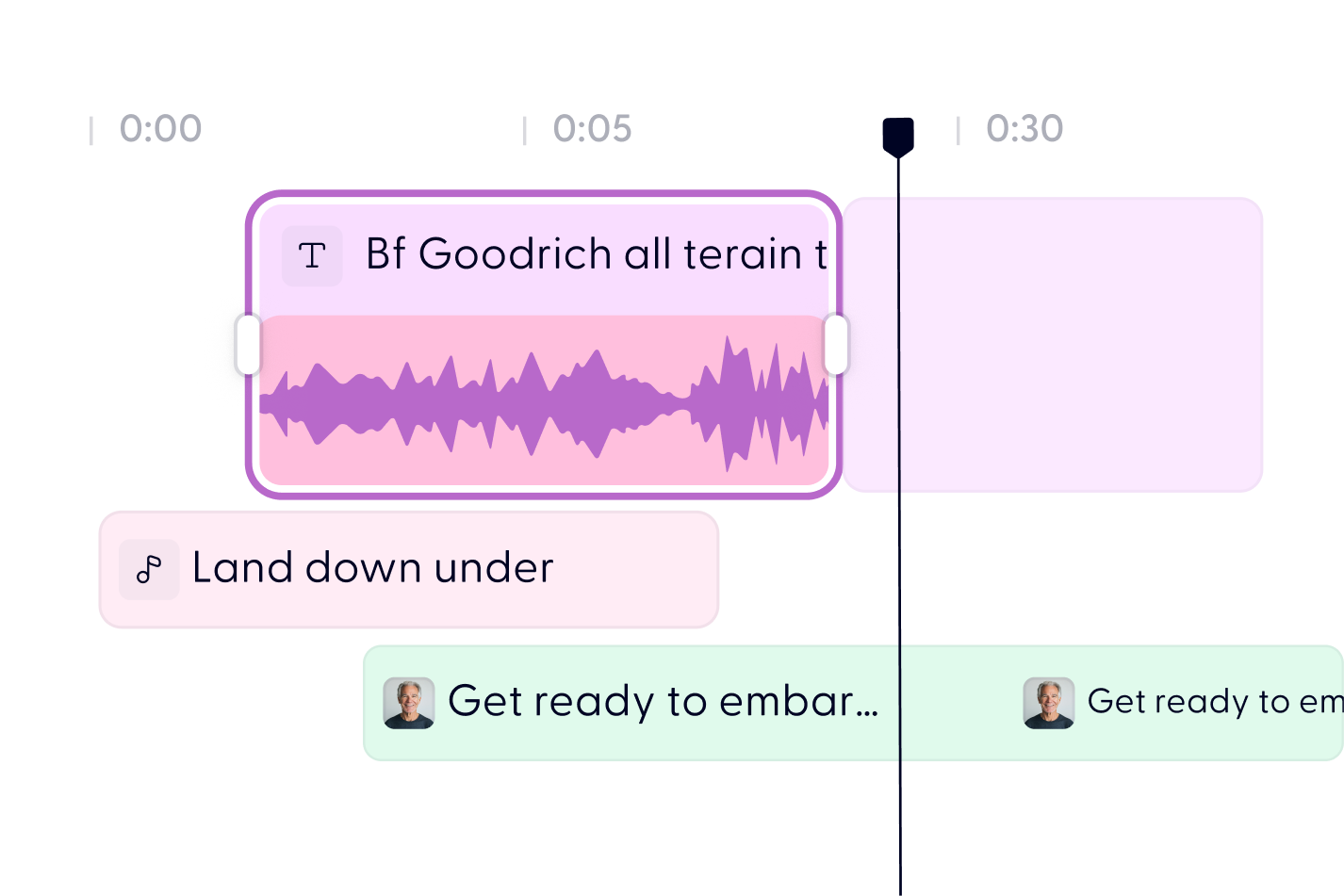
Just upload the audio file or script exported from NotebookLM. Once it’s in Wondercraft, you’ll have full access to editing tools like the timeline editor, voice options, and sound effect integrations.
Yes. You can easily edit or rewrite the script directly in Wondercraft before generating the final audio. This is great if you want to clarify points, add extra information, or tailor the tone for your audience.
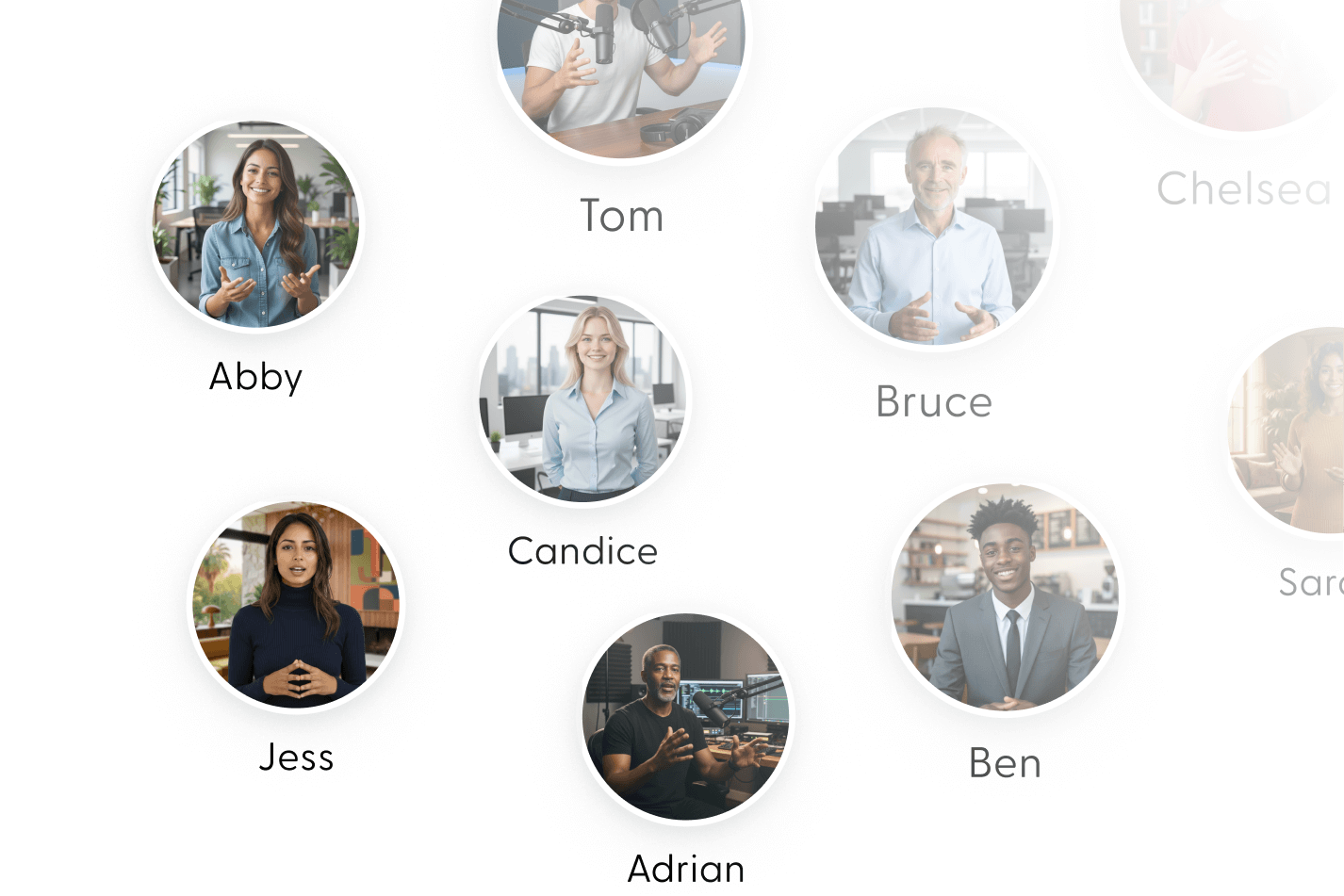
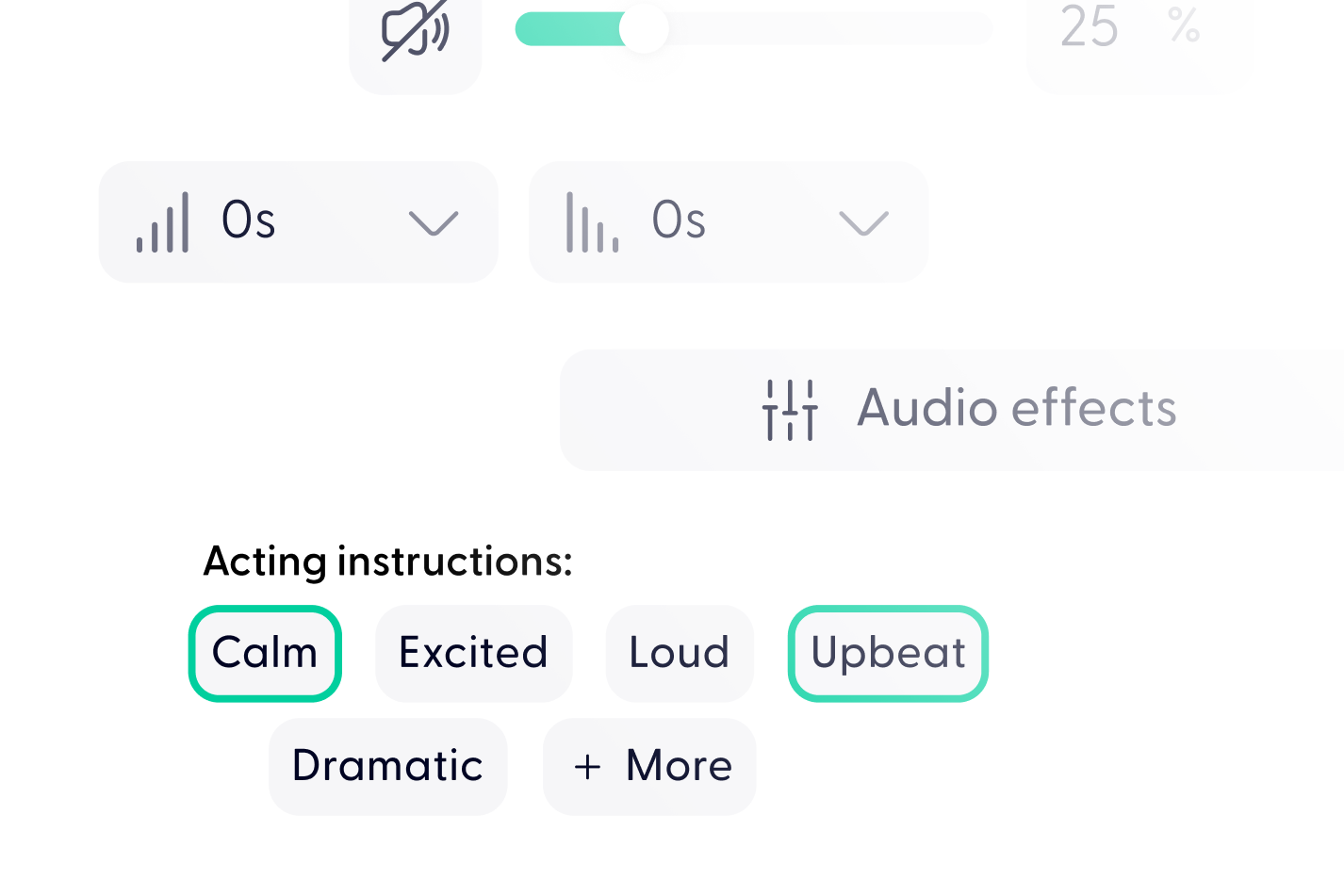
Absolutely. Wondercraft gives you access to a range of hyper-realistic AI voices with different accents and styles. You can experiment with tone, speed, and even pitch to match the vibe you're going for.
Yes. Enhance your audio with background music, sound effects, or transitions using Wondercraft’s built-in media library and AI-powered SFX tools.
Yes. Enhance your audio with background music, sound effects, or transitions using Wondercraft’s built-in media library and AI-powered SFX tools.
You can get started for free and use all the core editing tools. For extended use or higher audio generation limits, we offer flexible plans.
Nope! Wondercraft’s interface is built for ease of use. Whether you're a first-time editor or a content pro, you'll find it intuitive and efficient.
Discover more
Videos created with Wonda



Your next video starts here