

Most teams do not have an onboarding video problem. They have an onboarding video maintenance problem. The first version gets filmed, it looks good, and then the org chart changes, the tooling changes, the policy changes, and eighteen months later new hires are watching something that is quietly wrong.
Why is onboarding usually the first AI video project?
Because the content already exists in writing. Handbooks, policy documents, and process docs are structured, approved, and sitting in a shared drive. That makes onboarding the lowest-risk place to start, since the source material has already been through review. You are changing the format, not the substance.
It is also the use case where the cost of traditional production is hardest to justify. Filming a studio video for a process that changes every quarter means paying for something with a short shelf life.
What makes an onboarding video actually work?
Three things, in order of importance:
- One job per video. A single video covering benefits, security policy, and the expenses tool will be watched once and remembered by nobody. Split by task.
- Short. Two to four minutes per topic. New hires are watching these alongside twenty other things in their first week.
- Updatable. If updating a video means rebooking a studio, it will not get updated.
That last point is the one that decides whether an onboarding library survives its second year.
Do you need an avatar presenter?
Sometimes, not always. An on-screen presenter helps when the message is personal: a welcome from the CEO, a message from a department head, anything where the point is partly who is saying it.
For process content, a presenter often adds nothing. Showing the actual interface, the actual form, or the actual workflow communicates more than a face reading a script about it. Many teams default to avatars because that is what the first generation of AI video tools offered, not because the content calls for it.
How do you keep onboarding videos current?
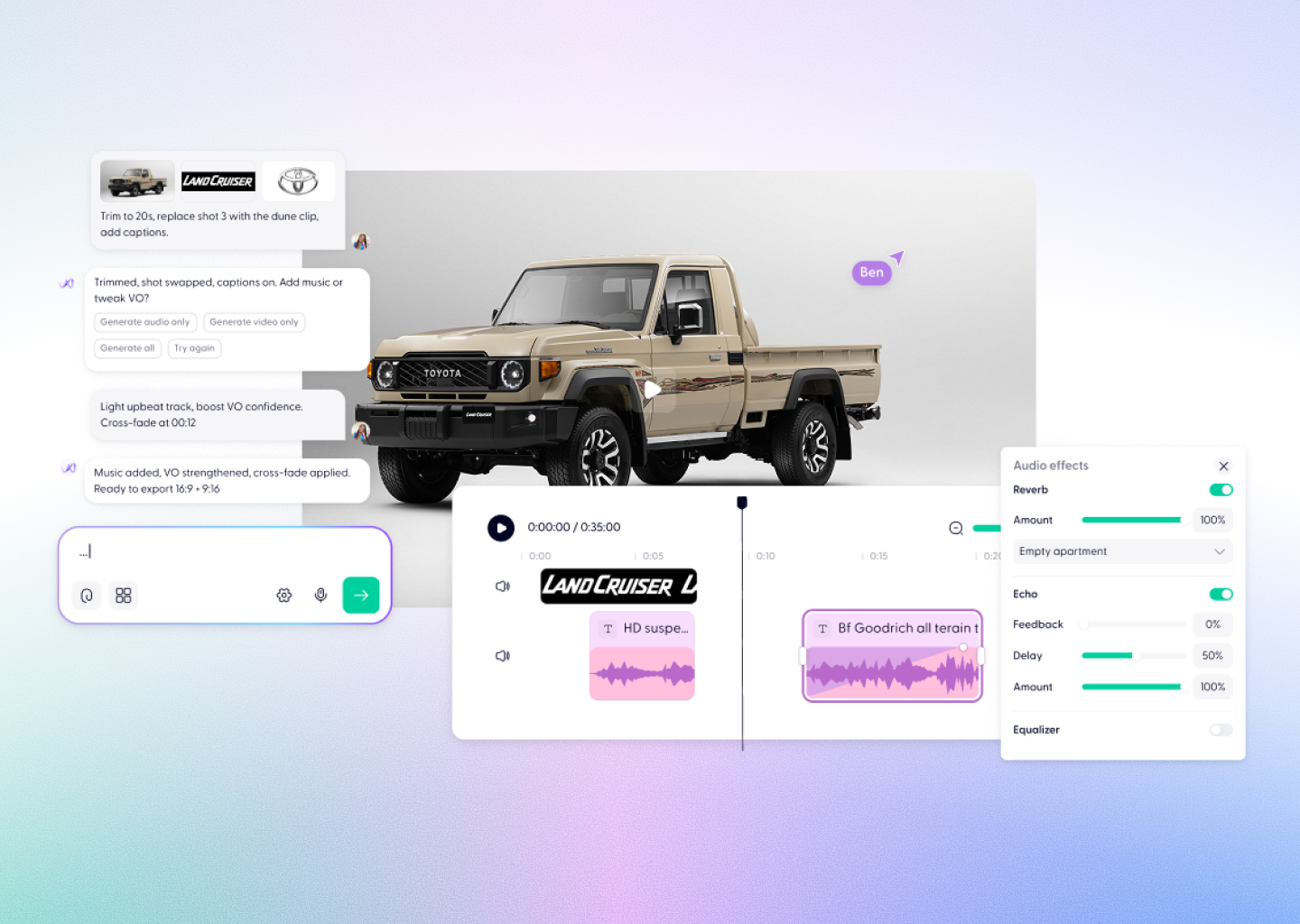
Tie the video to the document rather than treating it as a separate artefact. When the policy changes, regenerate from the updated document instead of editing the video. This is the practical argument for generating video from source documents: the update path is the same as the creation path.
Set a review cadence tied to your existing policy review cycle, so video does not become a separate governance burden.
What about security and compliance?
Onboarding content often contains internal process detail, and sometimes personal or regulated information. Before choosing a tool, confirm three things: whether your uploads are used to train the vendor's models, what compliance certifications they hold, and whether access can be controlled through your existing identity provider.
Wondercraft is SOC 2 and GDPR compliant, does not use customer content to train AI models, and supports SAML, SSO, and MFA.
Where to start
Pick the single onboarding topic your team answers most often in Slack. That is usually the one with the clearest structure and the most obvious payoff. Turn that document into a video, send it to the next three new starters, and see whether the question stops coming.
If it works, you have a repeatable process. If it does not, you have spent an afternoon rather than a production budget.