Turn Any PDF Into Video
Upload a PDF and instantly create a video with narration, visuals, captions, and structure.
Over 250,000 creatives, teams, and brands worldwide use Wondercraft
From document to video in minutes

Got a report, presentation, ebook, or training doc?
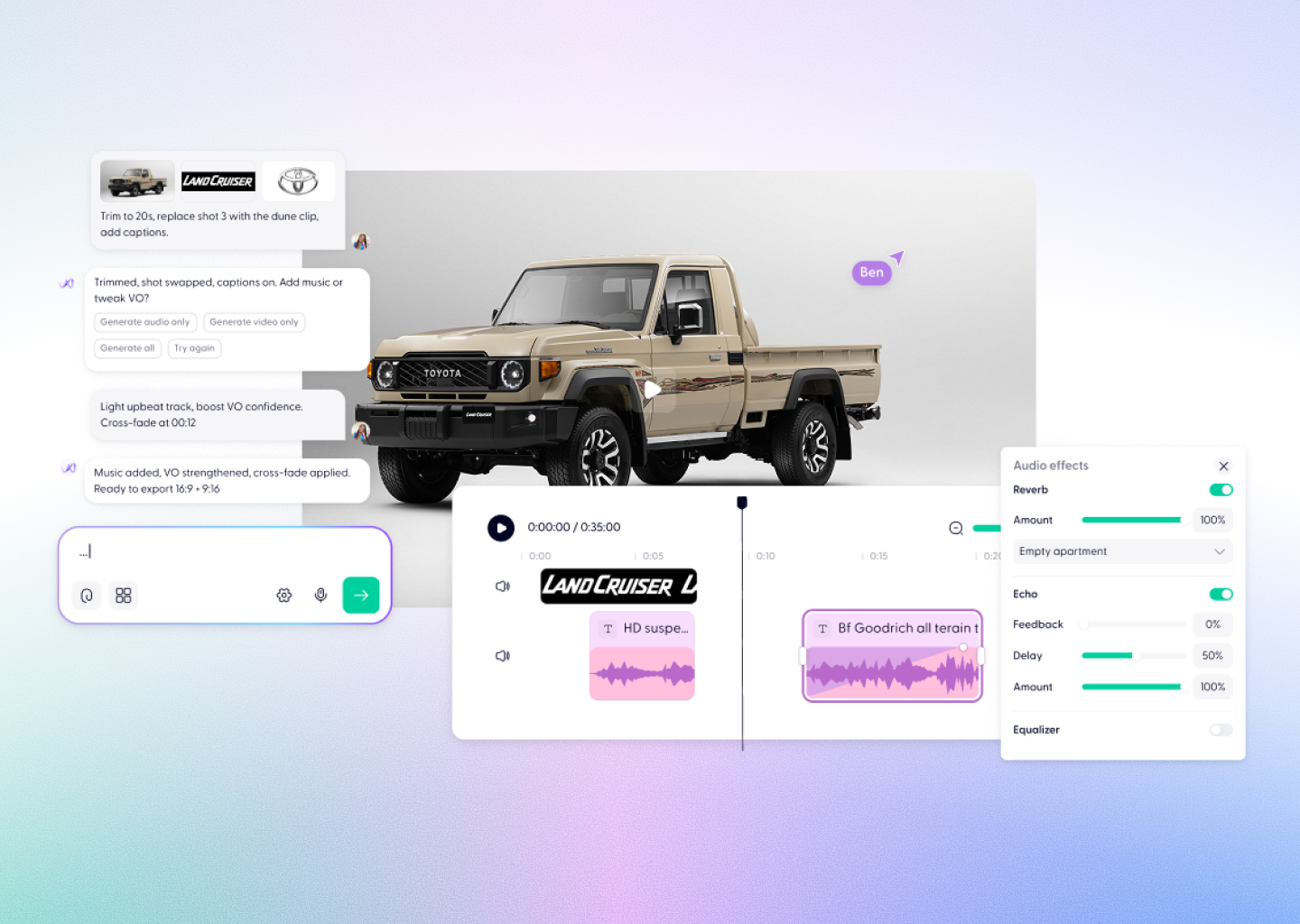
Upload your PDF and AI turns it into a polished explainer video — complete with narration, visuals, captions, and music.
No filming. No editing. No rebuilding slides manually.
Just upload and generate.
Upload your PDF and AI turns it into a polished explainer video — complete with narration, visuals, captions, and music.
No filming. No editing. No rebuilding slides manually.
Just upload and generate.
Try it for free
Repurpose documents faster
Everything you need to turn PDFs into video

Upload any PDF
Reports, presentations, ebooks, training docs — AI extracts structure and key ideas automatically.

Auto script & narration
AI converts document content into a natural video script with voiceover included.

Visual scenes generated automatically
Charts, ideas, and concepts become engaging visuals and captions.

Style & branding control
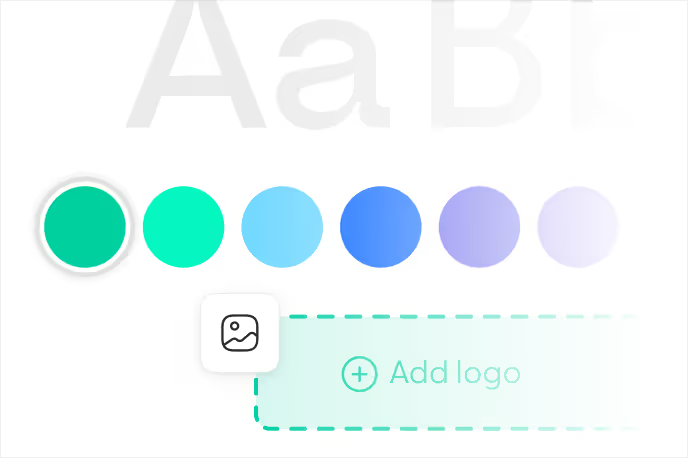
Choose visuals, language, aspect ratio, music, avatars, and brand assets.

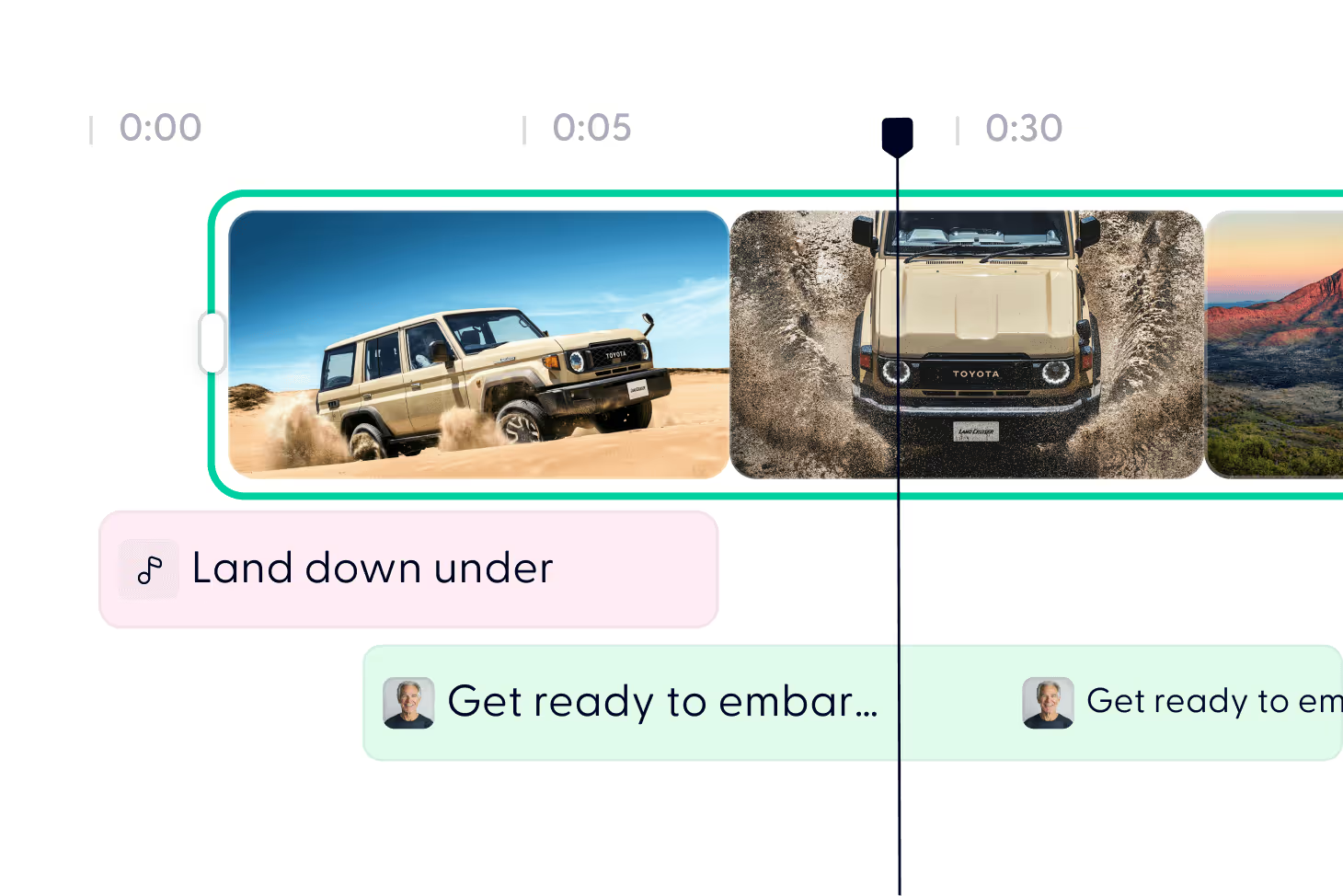
Full editing timeline
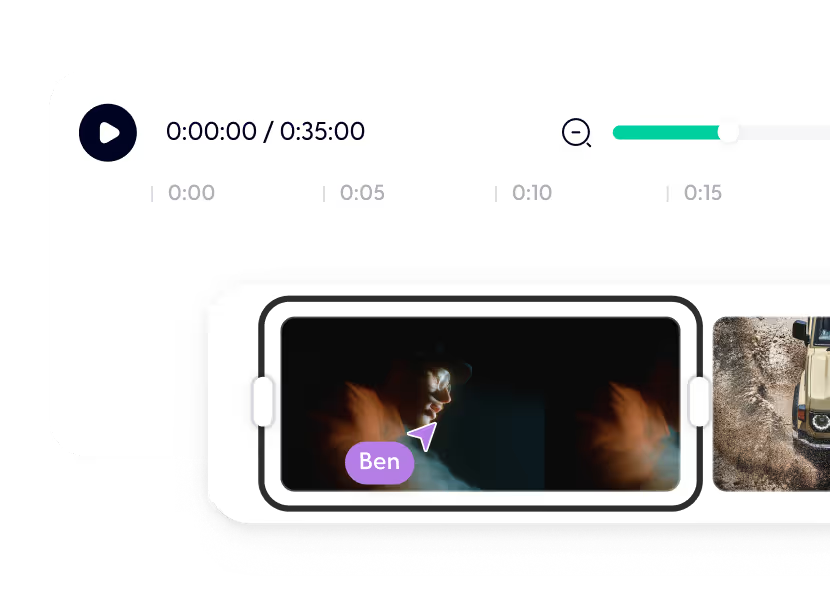
Refine narration, visuals, pacing, or text inside the editor anytime.

Export anywhere
Download MP4 videos ready for presentations, internal comms, social, or training.

How it works
Turn your PDF into video in 3 steps
Step 01
Upload your PDF
Upload any document: report, ebook, slide deck, or training guide.
AI reads the content and builds a video structure automatically.
Step 02
Choose your style and settings
Select:
- Visual style (whiteboard, branded, modern, etc.) - Language and narration type
- Video format (landscape, vertical, square)
- Optional branding, music, or avatars
Y- ou can keep everything on auto if you prefer.
- Visual style (whiteboard, branded, modern, etc.) - Language and narration type
- Video format (landscape, vertical, square)
- Optional branding, music, or avatars
Y- ou can keep everything on auto if you prefer.
Step 03
Generate, edit, and export
AI produces a first draft video you can:
- Adjust narration or visuals
- Change music or captions
- Add branding or extra scenes
- Export instantly once you're happy.
- Adjust narration or visuals
- Change music or captions
- Add branding or extra scenes
- Export instantly once you're happy.
How it works
FAQs
Everything you need to know about our PDF to video generator
Is it really free?
Yes. Free accounts include credits to generate your first PDF video. Upgrade for longer videos or higher usage.
What kinds of PDFs work best?
Reports, whitepapers, training materials, ebooks, presentations, and internal docs all work well.
Do I need video editing skills?
No. AI creates the first draft automatically — you just refine if needed.
How long does generation take?
Usually a few minutes depending on document size.
Can I customize branding?
Yes. Upload logos, adjust styles, choose music, visuals, and narration.
Where can I share the video?
Anywhere — internal training, social, marketing, presentations, or websites.
Is my content secure?
Yes. Your files remain private and secure.
Videos created with Wonda
These videos were created by Wondercraft users, with the help of Wonda.
Turn your documents into video today
Upload a PDF and let AI create a ready-to-share video in minutes.
Try it for free