




Turn Your Newsletter Into Video










From newsletter to video in minutes



Everything you need to turn newsletters into video
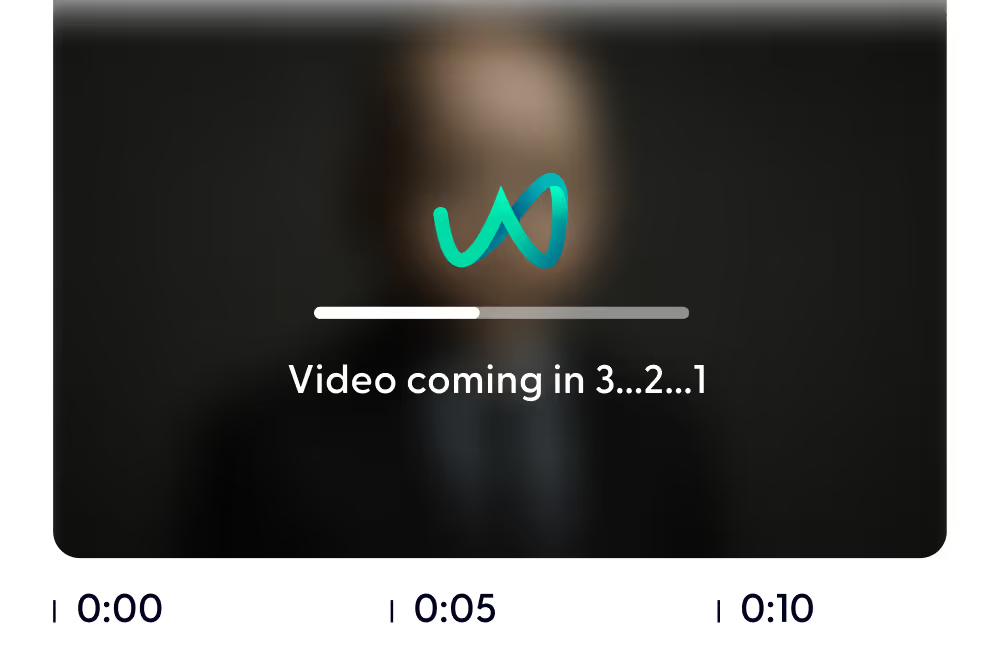
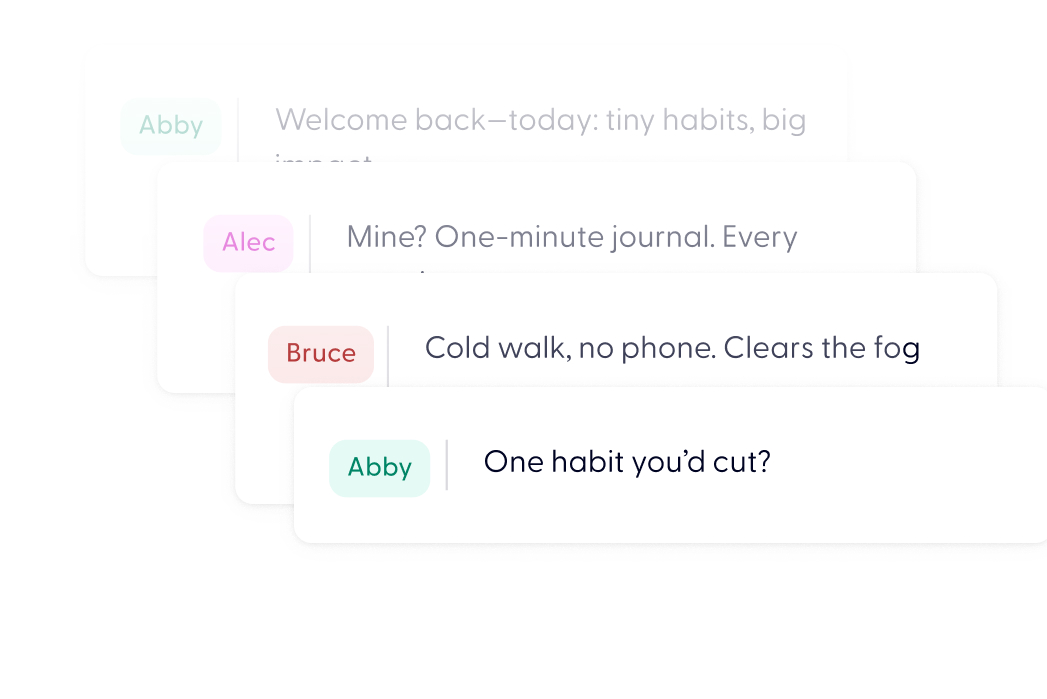
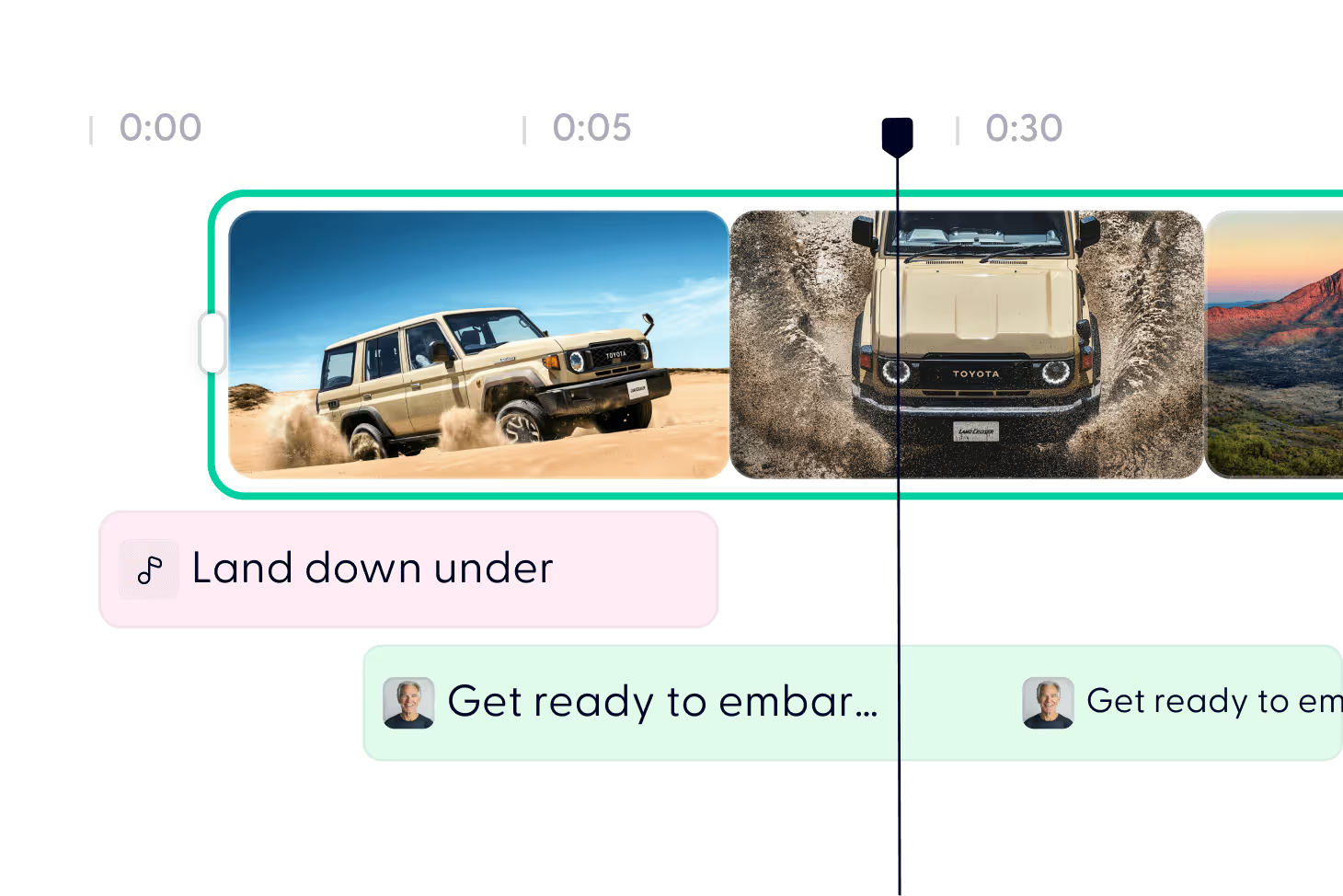
Turn your newsletter into video in 3 steps


Yes. Free accounts include credits to create your first newsletter video. Upgrade if you need longer videos or higher volume.
No. AI generates the video automatically — you only tweak if you want.
Yes. Paste the URL and AI extracts the content automatically.
Draft videos usually generate in a few minutes. You don’t need to wait — you’ll get notified when it’s ready.
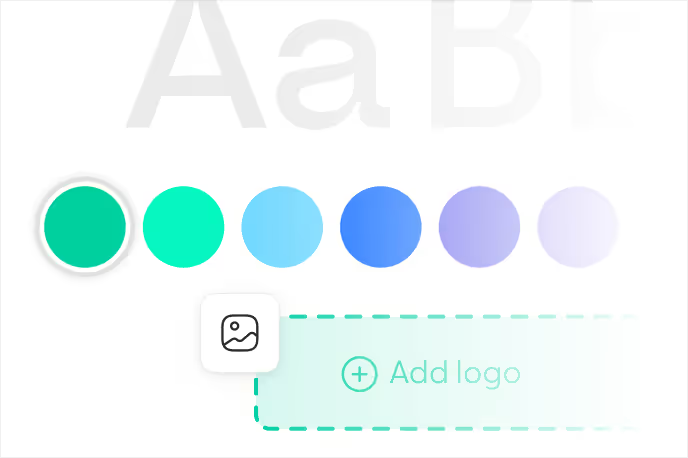
Yes. Upload logos, adjust colors, choose styles, and control music or visuals.
Yes. Upload logos, adjust colors, choose styles, and control music or visuals.
Anywhere — LinkedIn, YouTube, internal comms, websites, or social media.
Any newsletter you can paste as text or link to as a public URL will work, regardless of which platform you send it from. If your archive pages are private, paste the text directly instead.
Yes. Generate the full video first, then use the Studio to cut shorter clips from it and resize them for vertical formats. One newsletter can become a long-form video plus several short social clips.
Yes. Apply a brand kit with your logo, fonts, and colours once and reuse it for every issue. This matters if you are turning a newsletter into video on a recurring schedule and want the output to look like a consistent series.
Discover more
Videos created with Wonda


Your next video starts here