


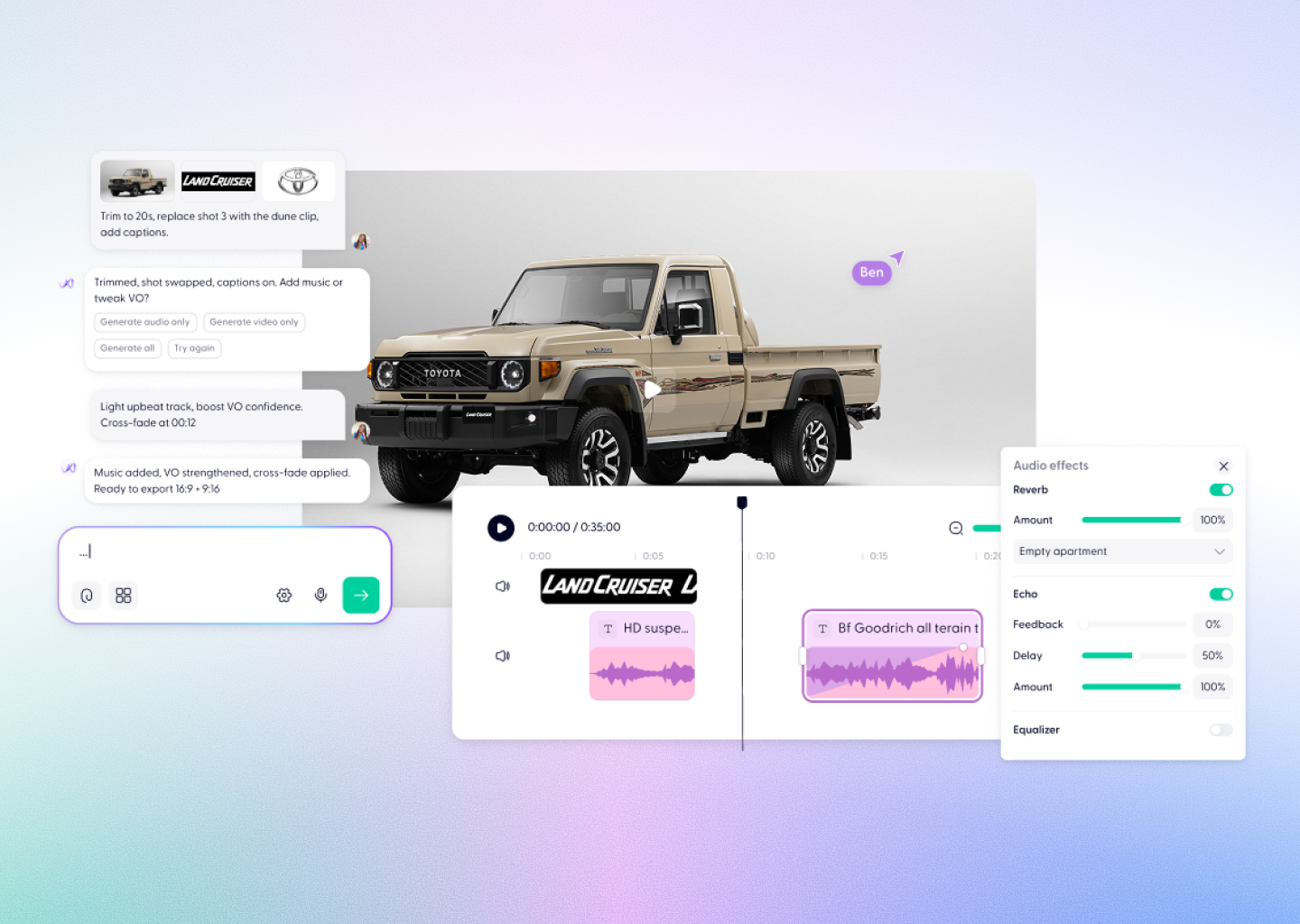


Free AI Image to Video Generator










From still to story. Instantly.


Everything you need to turn images into video
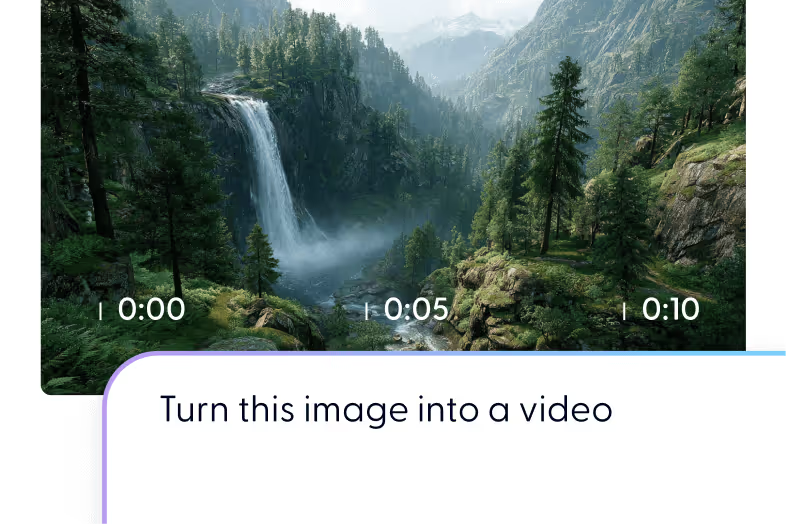
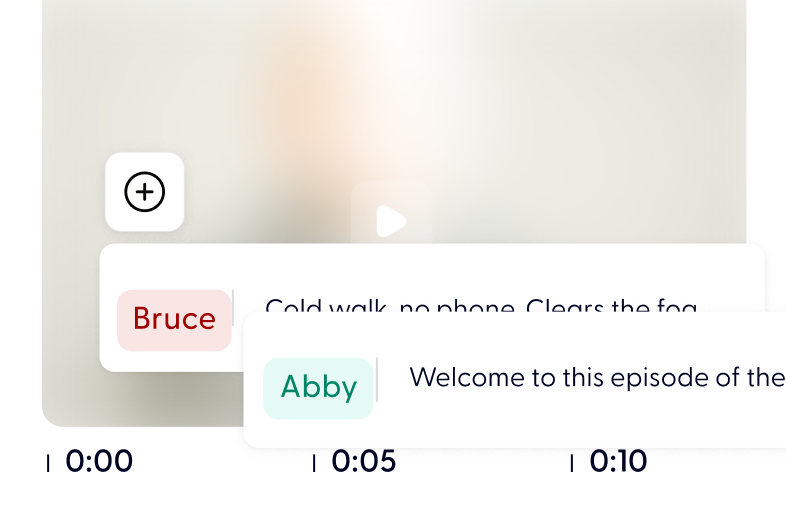


Make a video from any image in 3 quick steps


Every free account includes monthly credits — enough to generate your first video. Upgrade for HD or watermark-free exports.
After generation, your video opens directly in Wondercraft Studio for editing and export.
Short clips are ready in seconds; longer videos usually within a few minutes.
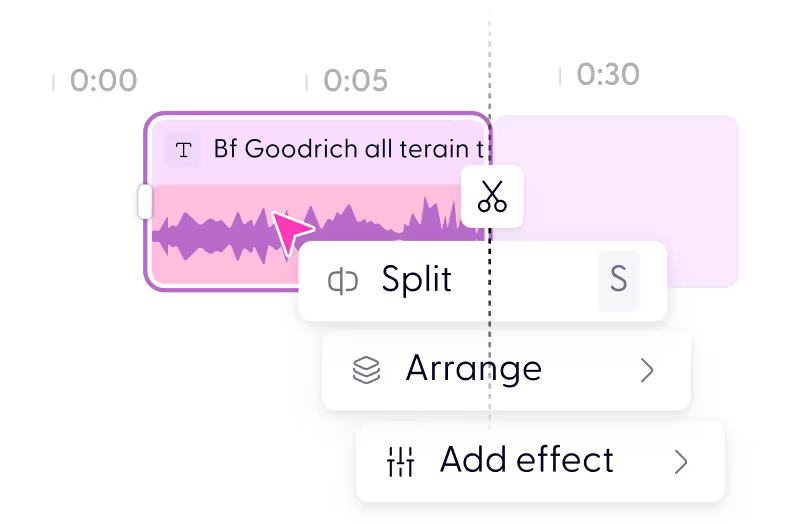
Not at all. AI handles the animation, and you can tweak it easily on a drag-and-drop timeline.
Yes. Upload photos, logos, and audio, or let AI generate visuals and sound effects for you.
Yes. Upload photos, logos, and audio, or let AI generate visuals and sound effects for you.
MP4 in multiple resolutions and aspect ratios — ideal for TikTok, YouTube, LinkedIn, and more.
Standard image formats work, including JPG, PNG, and WebP. Higher-resolution images give better results because the AI has more detail to work with when adding motion. Images with a clear subject animate more convincingly than busy or heavily textured ones.
Yes. Animate each image separately, then arrange them on the Studio timeline into a single video with transitions, narration, and music. This is a common approach for product teasers and photo-led social posts.
Yes. Paid exports are cleared for personal and commercial use, including client work, ads, and product marketing. If you upload your own images, you are responsible for holding the rights to them.
Discover more
Videos created with Wonda

Your next video starts here